13
Go to cover page
170C7 LCD
Mechanical Instruction
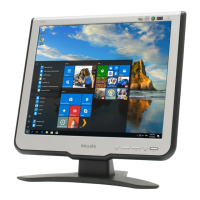
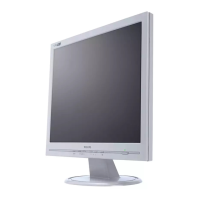
Front View
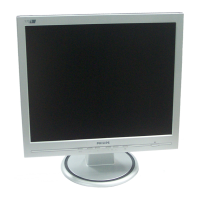
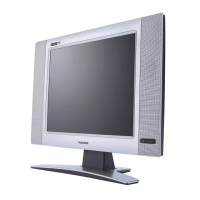
Back View
Step1. Remove the base
-Use two
-Remove the screws as shown in Fig.4, then remove the base
thin " " screw drivers to drive upon the cover simultaneously
as shown in Fig.3
Step2. Remove the Front Bezel
-Remove the one screw as shown in Fig.5
-Use the thin " " screw driver to open the clicks as shown
in Fig.6-8
Step4. Remove the Power and Scaler shielding.
- Remove the eight screws as shown in Fig.11
- Remove the as shown in Fig.12Power and Scaler shielding
Fig.1
Fig.2
Fig.4
Fig.5
Fig.6
Fig.9
Fig.10
Fig.11
Fig.3
Fig.8
Fig.7
Step3.Remove the Back cover
- Remove the two screws as shown in Fig.9 ,then remove the Control
board
-Use the thin " " type screw driver to open the clicks as shown in Fig.10


 To Next Page
 Loading...