EasyManua.ls Logo

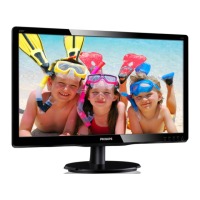
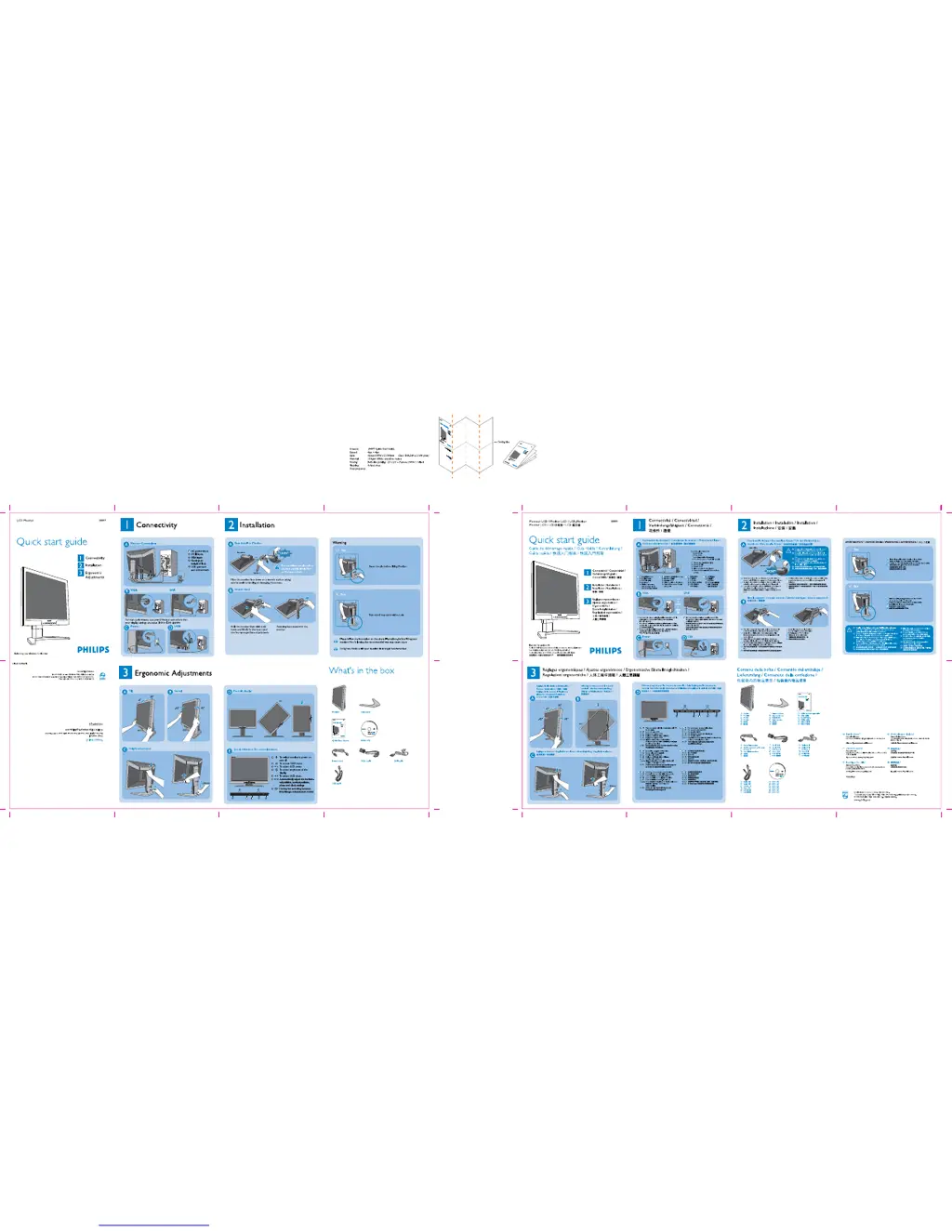
Philips 200P7ES/00 - User Manual

Philips 200P7ES/00
1 page
Print Icon
Loading...
10 Feb. 2006

Other manuals for Philips 200P7ES/00

Questions and Answers

  • B
    Brandy GreeneAug 2, 2025
    How to adjust brightness on Philips Monitor?
    • T
      Tiffany KennedyAug 2, 2025
      To adjust the brightness on your Philips Monitor, modify the contrast and brightness settings located in the Monitor Setup. If the screen becomes dark or begins to flicker, it could be due to the backlight of the LCD monitor reaching the end of its lifespan; in this case, please contact your dealer.
  • J
    Jacob WadeAug 8, 2025
    How to fix vertical flicker on Philips 200P7ES/00?
    • M
      Michael MeadowsAug 8, 2025
      To address vertical flicker on your Philips Monitor: * First, try pressing the Auto button. * If the issue persists, use the Phase/Clock settings found within the More Settings of the OSD Main Controls to eliminate the vertical bars.
  • C
    Connie NavarroAug 13, 2025
    Why does an after-image appear on my Philips 200P7ES/00 Monitor?
    • W
      William YoungAug 13, 2025
      If an image remains on the screen for an extended period, it may become imprinted, causing an after-image to appear on your Philips Monitor. This usually disappears after a few hours.
  • L
    Lindsay RochaAug 20, 2025
    Why does an after-image remain on my Philips 200P7ES/00 Monitor after the power has been turned off?
    • K
      Kathryn BrownAug 20, 2025
      The appearance of an after-image on your Philips Monitor after the power has been turned off is a normal characteristic of liquid crystal displays. It is not due to a malfunction or deterioration and will disappear after a period of time.
  • R
    rosalesbrittneyAug 26, 2025
    Why are there green, red, blue, dark, and white dots on my Philips 200P7ES/00 Monitor?
    • J
      jennifernicholsonAug 26, 2025
      The presence of green, red, blue, dark, and white dots on your Philips Monitor is a normal characteristic of the liquid crystal used in today’s technology.

Philips 200P7ES/00 Specifications

General IconGeneral
BrandPhilips
Model200P7ES/00
CategoryMonitor
LanguageEnglish

Related product manuals