General Troubleshooting Guide
110
9
Go to cover page
202P4 M25P
Please contact your
dealer/reseller for
more information.
OK
END
NO
18
CustoMax
YES
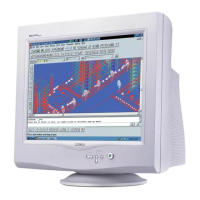
CustoMax is proprietary Philips software
that allows user to control parameter (e.g. Size , Color , Geometry )
in place of the buttons on the front of the monitor.
To install and run the CustoMax., you must have a USB compatible system
and have a USB connection on the rear of your monitor.
- Check Monitor Type
- Check PC & Video card
- Check USB port
- Check USB hub
- Check USB cable
- Check USB device
- Check Customax version
(Brilliance - 105,
Brilliance - 107,
CustoMax 2.01)
Features:
CustoMax for monitors is a software program for adjusting the screen geometry, color quality,
image quality and hardware and software settings of your display.


 To Next Page
 Loading...








