30
9. Troubleshooting & FAQs
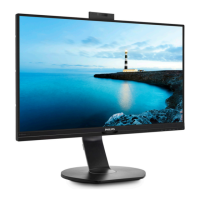
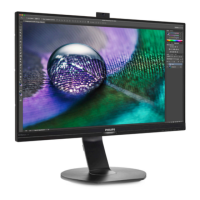
Q15: Why cannot detect my monitor’s
Windows Hello webcam, and also
Face Recognition option is greyed
out?
Ans: To x this issue, you need to
proceed following steps to detect
the webcam device again:
1. Press Crtl + Shift + ESC to launch
the Microsoft Windows Task
Manager.
2. Select ‘Services’ tag.
3. Scroll down and select ‘WbioSrvc’
(Windows Biometric Service). If the
status shows ‘Running’, right click
to stop the service rst, then restart
the service manually.
4. Then go back to sign-in options
menu to set up Window Hello
Webcam.


 To Next Page
 Loading...