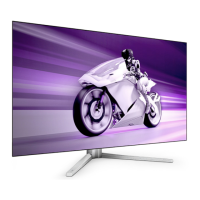
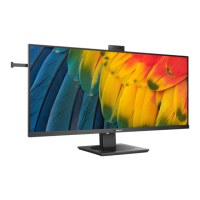
Table of Contents i
English
Preface .................................................................. 1
Important safety information ............................ 2
Package contents ................................................. 3
Getting to know your display ............................. 3
Front view ...........................................................................3
Control panel (right side view) ...........................................4
External terminals panel (left side view) ............................5
Connecting the PC input .................................... 6
Connecting the headset audio output ................ 6
Connecting power ............................................... 7
Basic operations .................................................. 8
Power on and standby .........................................................8
Turning the display on ............................................................... 8
Putting the display to standby .................................................... 8
Adjusting sound ..................................................................8
Adjusting speaker volume .......................................................... 8
The On-Screen Display (OSD) menu ................ 8
OSD menu structure ...........................................................8
Navigating the OSD menu ..................................................9
Operations in the OSD menu ..................................................... 9
Picture menu .......................................................................10
Adjusting Contrast ..................................................................... 10
Adjusting Brightness .................................................................. 10
Sound menu ........................................................................11
Install menu ........................................................................11
Dimensions ........................................................... 12
32PFL5422 .........................................................................12
37PFL5422 .........................................................................13
42PFL5422 .........................................................................14
Specifications ....................................................... 15
Supported PC input signal resolutions ............. 16
Setting up appropriate output resolution on PC .................16
Troubleshooting .................................................. 17
Table of Contents



 To Next Page
 Loading...