Set the Switch off timer, the TV switches off
automatically to save energy. The setting value Off
deactivates the automatic switch off.
• TV switches off if receiving a TV signal but you don't
press a key on the remote control during a 4 hour period.
• TV switches off if not receiving a TV signal nor a remote
control command for 10 minutes.
• If you use the TV as a monitor or use a digital receiver
to watch TV (a Set-Top Box - STB) and you do not use the
remote control of the TV, you should deactivate this
automatic switch off, to set the value to Off.
Set timer to switch off automatically when TV has no
signal
(Home) > Settings > General settings > Power and
energy > No signal timer
Your TV will switch off automatically if there is no signal
available after 10/15/20 minutes.
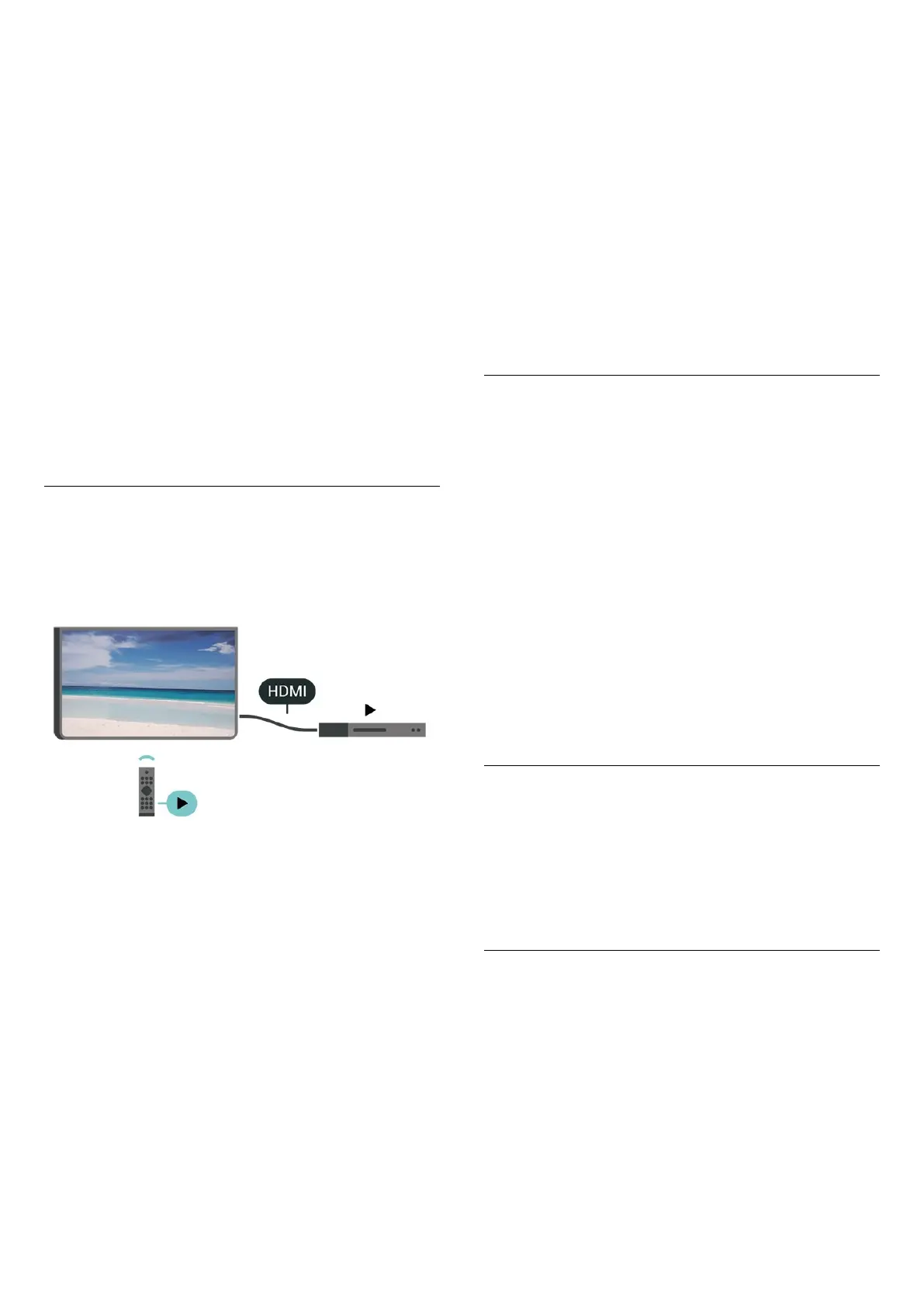
HDMI-CEC Connection - EasyLink
Connect HDMI CEC-compatible devices to your TV, you
can operate them with the TV remote control. EasyLink
HDMI CEC must be switched on on the TV and the
connected device.
Switch on EasyLink
(Home) > Settings > General
settings > EasyLink > EasyLink > On
Operate HDMI CEC-compatible devices with TV remote
control
(Home) > Settings > General
settings > EasyLink > EasyLink remote control > On
EasyLink 2.0 sound control
(Home) > Settings > General
settings > EasyLink > EasyLink 2.0 sound control > On
Slide to turn On/Off to control the sound settings of the
HDMI sound system. You can adjust these settings via
Frequent settings or Settings > Sound > EasyLink 2.0.
This is only applicable with EasyLink 2.0 compliant HDMI
sound system.
Note:
- EasyLink might not work with devices from other
brands.
- The HDMI CEC functionality has different names on
different brands. Some examples are: Anynet, Aquos
Link, Bravia Theatre Sync, Kuro Link, Simplink and Viera
Link. Not all brands are fully compatible with EasyLink.
Example HDMI CEC branding names are property of their
respective owners.
Screensaver Settings
(Home) > Settings > General settings > Screensaver
settings > Screensaver
Select Backdrop to enable the Screensaver. Select Off to
disable the Screensaver.
(Home) > Settings > General settings > Screensaver
settings > When to start
Set the duration (in minutes) when TV is in idle state
before activating the Screensaver.
(Home) > Settings > General settings > Screensaver
settings > Preview
Press OK to preview the Screensaver.
Location - Home or Shop
(Home) > Settings > General settings > Location
• Select the location of your TV
• Select Shop, the picture style is switched back
to Crystal Clear, and can adjust shop settings.
• Shop mode is for in-store promotion.
Shop Setup
(Home) > Settings > General settings > Shop setup
If the TV is set to Shop, you can view feature logos or set
the availability of a specific demo for in store use.
Adjust Picture and audio
(Home) > Settings > General settings > Shop
setup > Picture and audio
Select Optimised to shop or Custom settings for picture
and audio settings.
39





 To Next Page