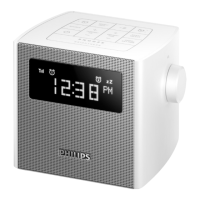
d SLEEP
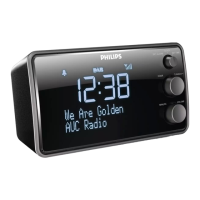
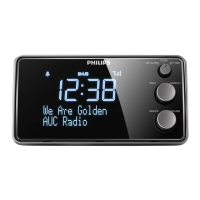
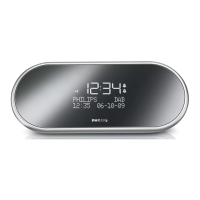
• Set sleep timer.
e /
• Navigate through the DAB/FM menu.
• Select a preset radio station.
• Scan for previous/next radio station.
f Display panel
• Show status.
g Light sensor
• For backlight brightness adjustment.
h MINUTE/VOLUME
• Set minute.
• Adjust volume.
i HOUR/TUNING +/-
• Set hour.
• Tune to a radio station.
j SET ALARM/CLOCK/SET TIME
• Set alarm/time.
• Switch to clock screen.
k REPEAT ALARM•SELECT
• Repeat alarm.
• Conrmselection.
l ALARM ON/OFF
• Turn on/off alarm timer.
m RADIO ON/OFF
• Turn on/off radio.



 To Next Page