11
English
EN
4 Play and charge
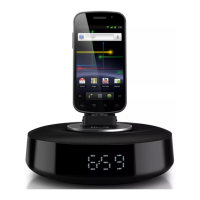
With this docking system, you can enjoy audio
in two ways:
through manual Bluetooth connection;
through automatic Bluetooth connection
with Philips Fidelio app.
Compatible with AndroidTM
To make full use of your docking speaker, your
With Android operation system (Version
2.1 or above);
With Bluetooth software (Version 2.1 or
above); and
With a micro USB connector.
For other non Android-powered smartphone
with micro USB connector and Bluetooth, you
can still use the docking speaker to do the
following:
Charge your phone through the
connector;
Enjoy audio through Bluetooth.
Tip
Play music through Bluetooth
1 Press to activate Bluetooth on the
device.
» The Bluetooth indicator
begins to
blink.
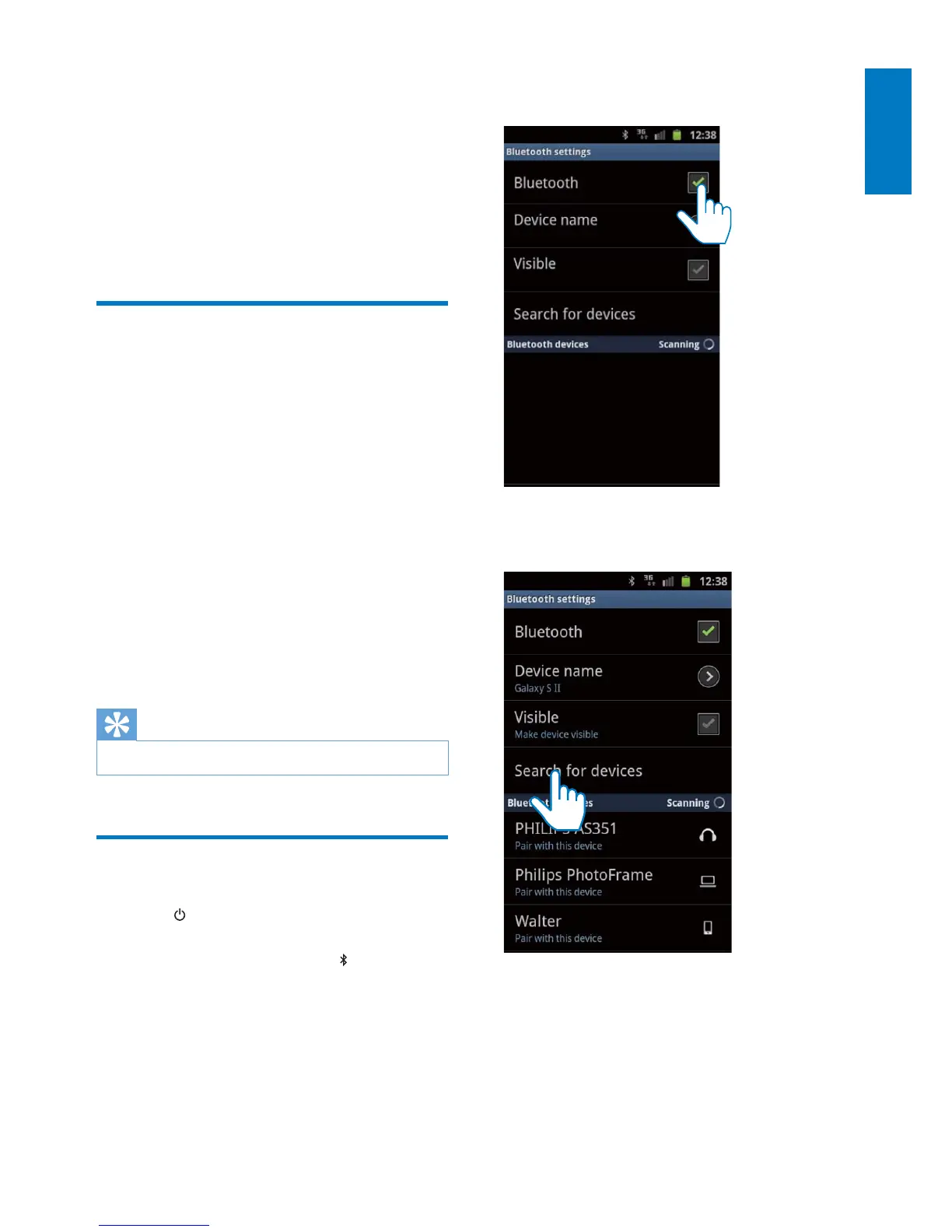
2 On your phone, go to [Settings]
(Settings)> [Wireless and networks]
(Wireless and networks) > [Bluetooth
settings] (Bluetooth settings).
3 Tap [Bluetooth](Bluetooth) to turn on
Bluetooth on your phone.
4 Tap [Search for devices] (Search for
devices).


 To Next Page