22 EN
4 Click [Sync] (Sync) on the top right of the
interface.
» The music on your computer is
synchronized into Android powered
device.
Tip
Next time when Android powered device is connected
to this computer, music is synchronized from PC to the
device automatically.
Dock and charge Android-
powered device
You can charge your Android-powered device
by docking the device onto the docking speaker.
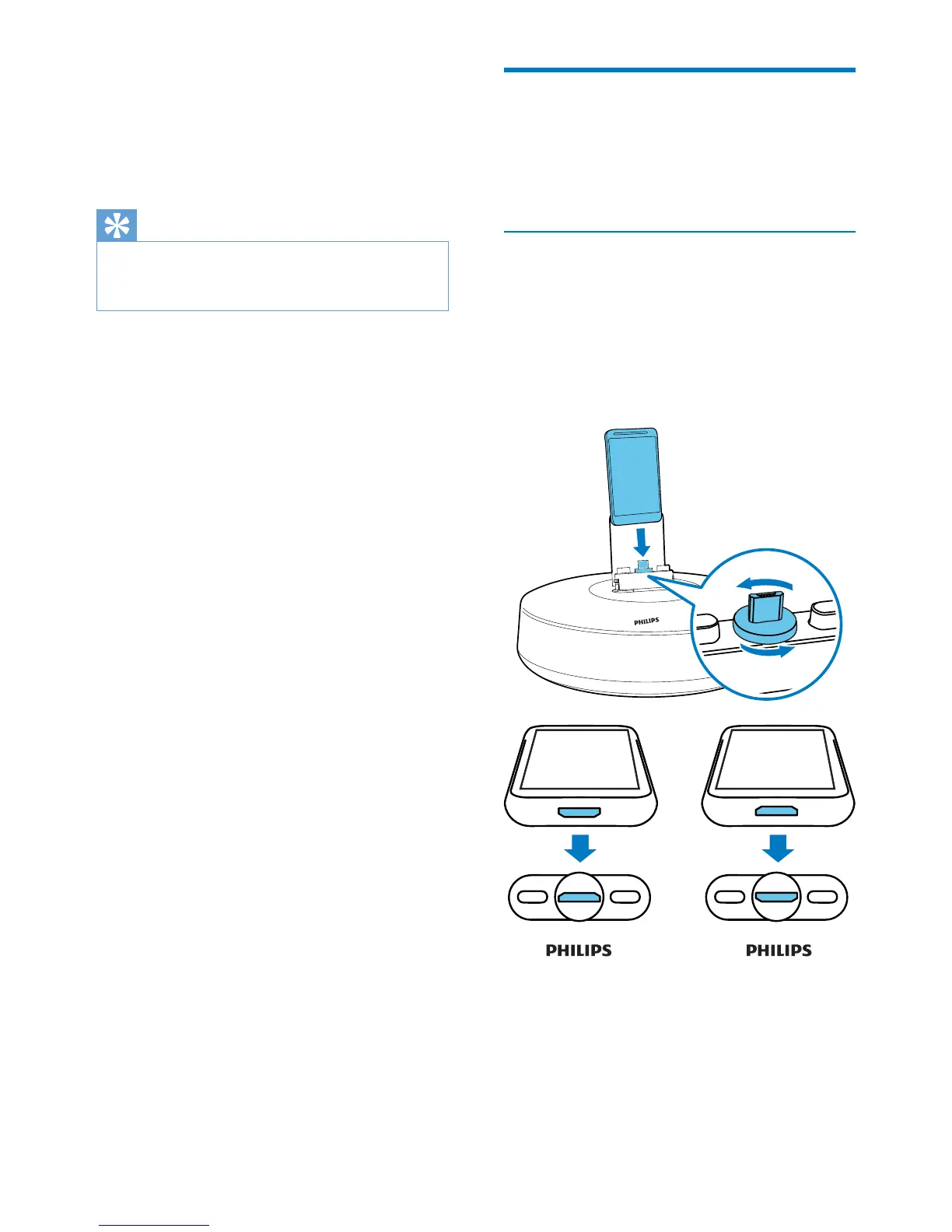
Dock your portable device
1 Check the orientation of the micro USB
connector on your portable device, and
rotate the micro USB connector on the
docking speaker if necessary. Then dock
your Android powered device onto the
device.



 To Next Page