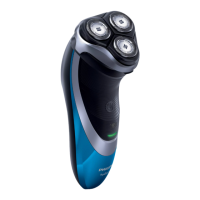
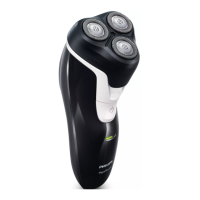
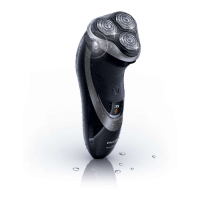
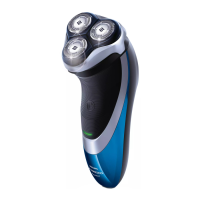
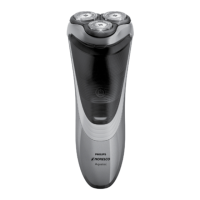
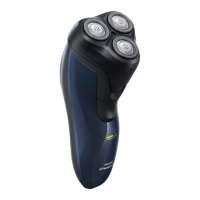
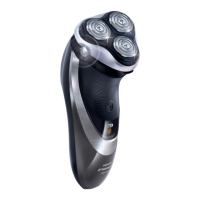
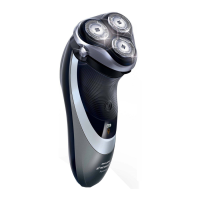
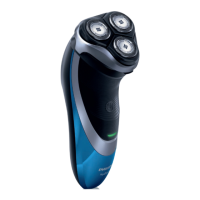
Cleaning the trimmer with the cleaning brush (AT941/AT940/
AT918/AT897/AT896/AT894/AT891/AT890/AT889/AT887/
AT886/AT872/AT811/AT797/AT796/AT790/AT756 only)
Clean the trimmer every time you have used it.
1 Switch off the shaver.
2 Push the trimmer slide downwards to open the trimmer.
3 Clean the trimmer with the short-bristled side of the cleaning brush.
Brush up and down along the trimmer teeth.
4 Close the trimmer (‘click’).
Tip: For optimal trimming performance, lubricate the trimmer teeth with a drop
of sewing machine oil every six months.
Storage
- Put the protection cap on the shaver to prevent damage.
- AT941/AT940/AT897/AT894/AT892/AT891/AT890/AT796/AT790 only:
Store the shaver in the pouch supplied.
ENGLISH 13


 To Next Page
 Loading...