EasyManua.ls Logo

Philips AVENT SCD831 - Page 16

Philips AVENT SCD831
316 pages
Print Icon
To Next Page IconTo Next Page
To Previous Page IconTo Previous Page
Loading...
- English 14 -
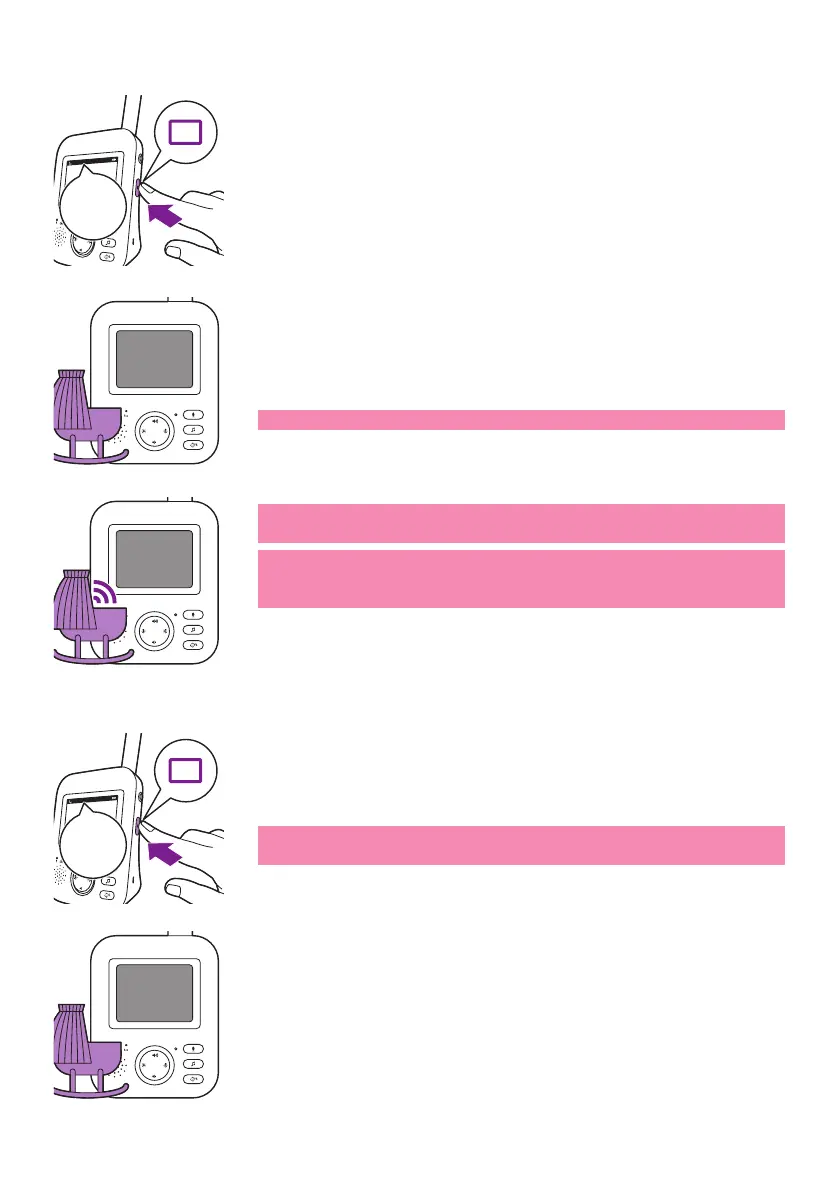
AUDIO mode
1 Press the mode button on the side of the parent unit to switch to
AUDIO mode�


the status bar will disappear�

Note: The link light shows that the parent unit is still on and connected
to the baby unit�
Note: Set the sensitivity level to 'very high' to have continuous sound
on the parent unit� Please see the Sensitivity level chapter for more
information�
All sounds are constantly transmitted to the parent unit� If your baby


VOX mode
1 
mode�




AUDIO
AUDIO
20°C
1
AUDIO
20°C
1
AUDIO
VOX
VOX
20°C
1
AUDIO

Table of Contents