OPERATION
13
1 Select the desired track with PREV ∞ or NEXT §.
2 As soon as the desired track is displayed, press the PROG button to store the track
in the memory.
yy
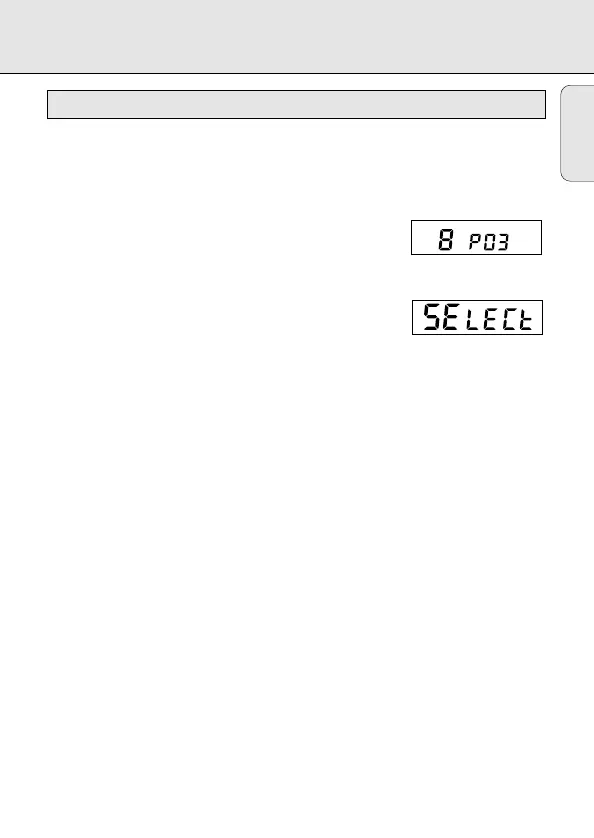
Display indication: track number
/ P / total number of stored tracks, e.g.
Note:
-
When you press PROG and there is no track selected,
the display indicates
SELECt.
Playing the program:
If you have selected the tracks in STOP mode, press the PLAY/PAUSE 2; button.
If you have selected the tracks during CD play, first press STOP 9 and then the
PLAY/PAUSE 2; button.
yy
Display indication: PROGRAM.
yy
Your program will be played in the selected playing mode (e.g. SHUFFLE).
Reviewing the settings:
Press the PROG button for more than 2 seconds.
yy
Display indication: each stored track successively flashes for a short moment.
Erasing the program in STOP mode:
Press the STOP 9 button to erase the program.
yy
PROGRAM disappears on the display and your program is erased.
yy
CLEAR lights up briefly on the display.
Note: Interrupting the power supply or opening the lid will erase the program.
PROG
PROG P – programming of tracks (max. 99 tracks)
English


 To Next Page