English
PBC
This feature is only available when a (Super) Video CD is
loaded. It allows you to disable or enable the PBC
(Playback Control) menu of VCD discs. See under
‘Special VCD features’: Factory settings is ‘
On
’.
Finalise disc
This option is only available on unfinalised DVD+R discs.
See ‘Managing disc content - Finalising a DVD+R disc’.
Remote Control settings
Key sound
The recorder makes a ‘beep’ sound upon every key
command given via recorder or remote control keys.
Select ‘
Off
’ to disable this sound. Factory setting is ‘
On
’.
Remote control used
If you want to use the remote control of a Philips DVD
player instead of the standard DVD recorder remote
control, select ‘
DVD player
’. Factory setting is ‘
DVD
recorder
’.
System information
When you move further down in the Remote Control
settings menu, the system status screen will appear.
Press v (cursor up) to go back.
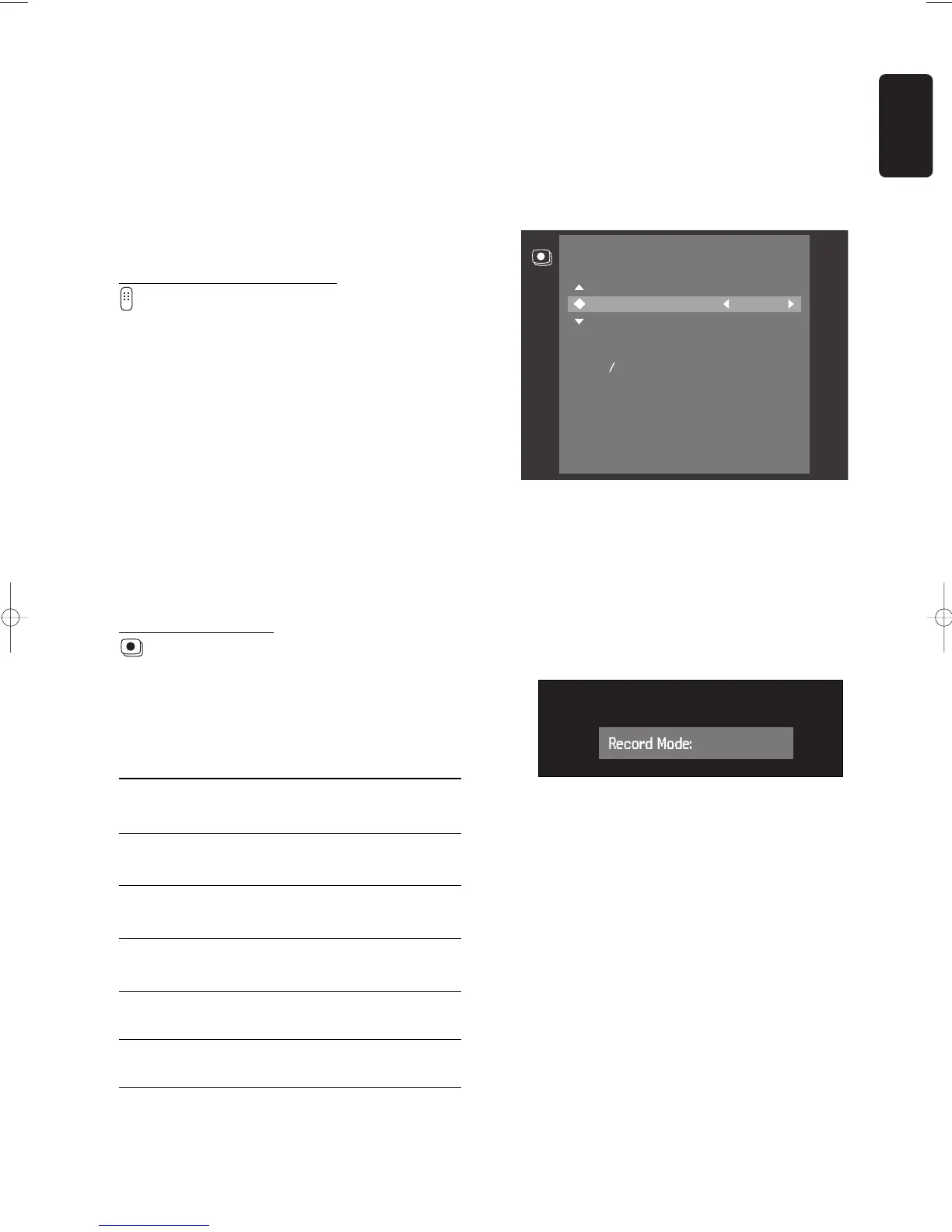
Record Settings
Record mode
By selecting a recording mode you define picture quality
of recordings and maximum recording time for a disc.
Mode Picture quality Total recording
time
HQ best possible 60 minutes
(High Quality) picture quality
SP pre-recorded 120 minutes
(Standard Play) DVD quality
SP+ pre-recorded 150 minutes
(Standard Play) DVD quality
LP better than 180 minutes
(Long Play) S-VHS picture quality
EP better than 240 minutes
(Extended Play) VHS picture quality
EP+ 360 minutes
(Extended Play+) VHS picture quality
In practice, the DVD recorder may record a few
minutes more than indicated. For playback, the correct
recording mode will automatically be selected. The
HQ
mode is optimised for recording via the i-link DV input.
For all other sources use
SP
,
SP
+,
LP
,
EP
or
EP
+.
l In the record settings menu, select ‘
Record mode
’.
l Alter the recording mode with t or u (left right
cursor).
l Confirm with the OK key.
l To end, press SYSTEM MENU.
An alternative way to select the record mode is available
in the Index Picture Screen and in monitor mode:
l Press SELECT.
‰ The new record mode appears on the screen and
the display.
It is not possible to switch record modes during
recording.



 To Next Page