English
40 PLAYBACK
Pause
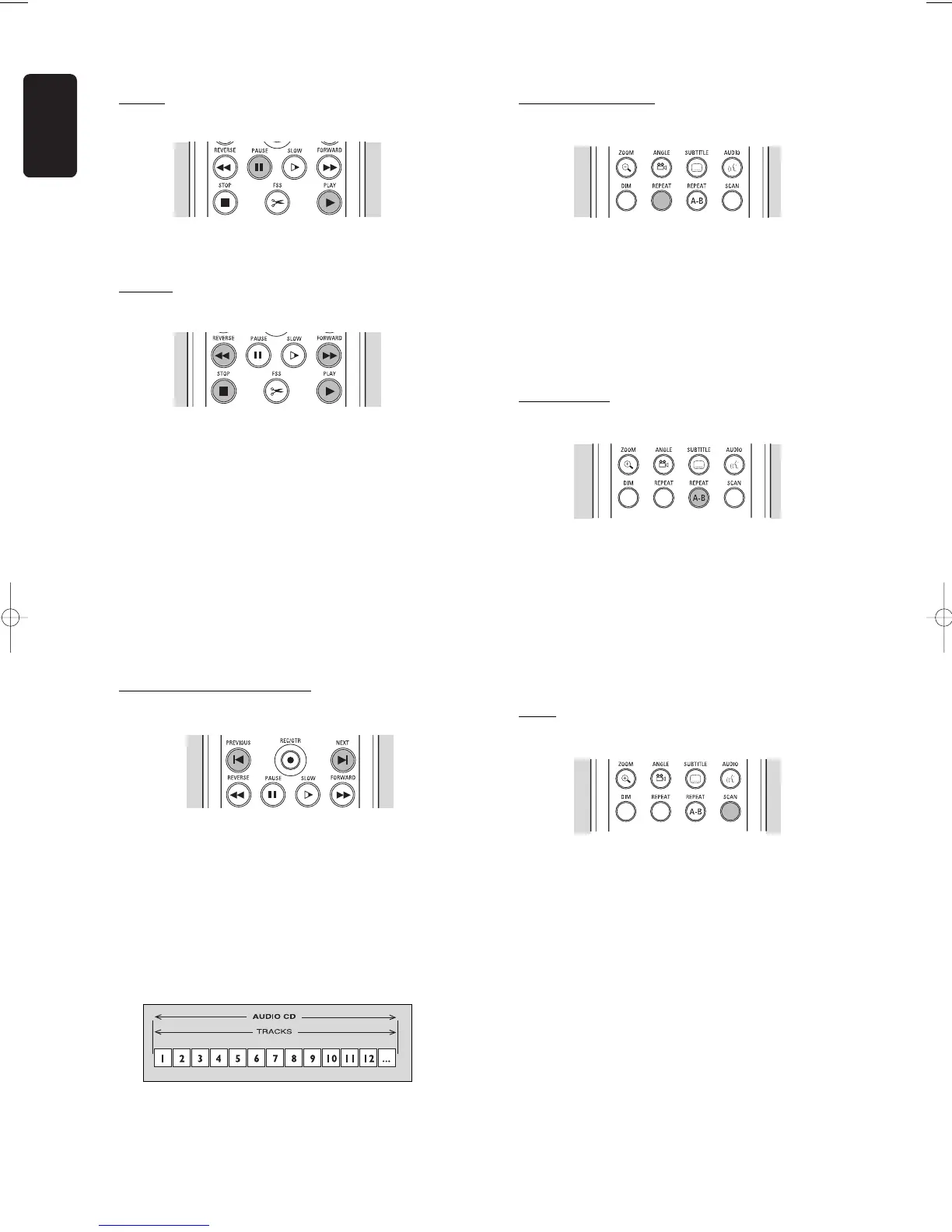
l Press ; PAUSE during play.
l To return to play, press 2 PLAY.
Search
l To search forwards or backwards through the disc
at 4x normal speed, press 5 REVERSE or 6
FORWARD.
‰ Search begins.
l To step up to 8x normal speed, press 5 REVERSE
or 6 FORWARD again.
‰ Search goes to 8x speed, and the sound is muted.
l To return to 4x normal speed, press 5 REVERSE
or 6 FORWARD again.
l If the TV set is on, search speed and direction are
indicated on the screen each time 5 REVERSE or
6 FORWARD is pressed.
l To end the search, press 2 PLAYor 9 STOP as
desired.
Moving to another track
l Press K NEXT during play to step forward to the
next track.
l Press J PREVIOUS during play to return to the
beginning of the current track. Rapidly press
J PREVIOUS twice to step back to the previous
track.
l To go directly to any track, enter the track number
using the numerical keys 0-9.
Repeat track/disc
l To repeat the currently playing track, press
REPEAT.
‰ ‘
Repeat track
’ appears on screen.
l To repeat the entire disc, press REPEAT a second
time.
‰ ‘
Repeat disc
’ appears on screen.
l To exit repeat mode, press REPEAT a third time.
Repeat A-B
To repeat or loop a sequence:
l Press REPEAT A-B at your chosen starting point;
‰ ‘
Repeat A
’ appears on screen.
l Press REPEAT A-B again at your chosen end
point;
‰ ‘
Repeat A
-
B
’ appears on the display, and the
repeat sequence begins.
l To exit the sequence, press REPEAT A-B again.
Scan
Plays the first 10 seconds of each track on the disc.
l Press SCAN.
l To continue play at your chosen track, press SCAN
again or press 2 PLAY.



 To Next Page