.
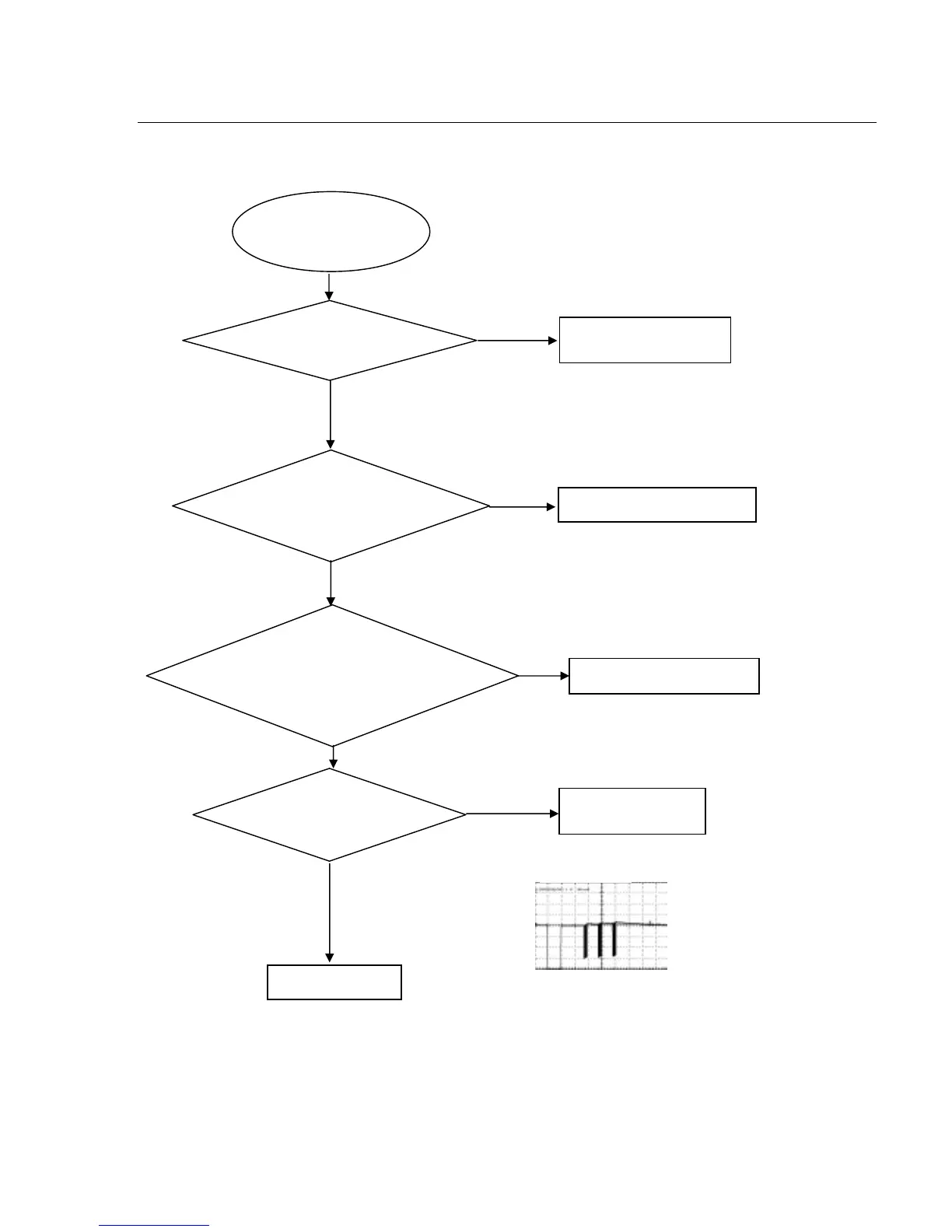
Check battery
Check R315ǃC315
Use an oscilloscope to check if there is
output waveform from the first pin IR of the
remote censor after pressing button on the
remote control.
REM301(PIN1 - RC waveform)
Check if there is IR
signal on pin 134 of U1
Check if the power supply
voltage to the remote censor
is normal
Go
No
No
No
Yes
Yes
Yes
Correct connection
Yes
Change U1
IR waveform
Trouble shooting chart
Remark: Trouble shooting chart fo



 To Next Page