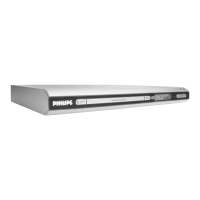
Philips Electronics Singapore Software Upgrade Instruction
2. Unzip the .zip file 2. Unzip the .zip file
i) Do not rename the filename i) Do not rename the filename
ii) Visit
http://www.winzip.com/
ii) Visit
http://www.winzip.com/ for downloads if you cannot open the
.zip file.
6 Burning upgrade software on CD-R or CD-RW
1. Extract the files by unzipping the zipped file.
Tip: For more information on
burning software we suggest
you can refer to two popular
burning software programs
www.nero.com
www.easycdcreator.com
2. Write the extracted files – not the zip file - onto a blank CD-R or CD-RW disc,
using the following settings:
• File System CD-ROM Joliet
• File name length: max 31 chars (ISO Level 2)
• Mode: 2/XA
• Character set ASCII
• Single session
• Write speed: low
3. Finalize the disc. (The application may do this automatically.)
2 of 4
Using Nero Express 6
Please make sure you are using Nero Express. You can start Nero Express from
the Nero folder in Windows Start menu.



 To Next Page