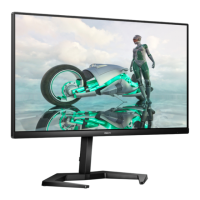
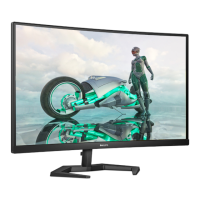
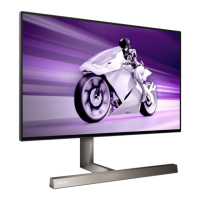
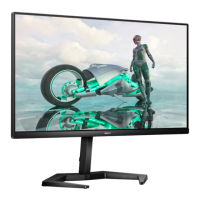
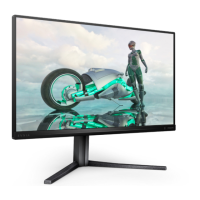
6
3
Connecting to your PC
Earphone-Hang
1
2
5
6
3
4
1
Kensington anti-theft lock
2
HDMI 1 input
3
HDMI 2 input
4
DisplayPort input
5
Audio out
6
AC power input
Connect to PC
1� Connect the power cord to the back
of the monitor rmly.
2� Turn o your computer and unplug
its power cable�
3� Connect the monitor signal cable to
the video connector on the back of
your computer�
4� Plug the power cord of your
computer and your monitor into a
nearby outlet�
5� Turn on your computer and monitor�
If the monitor displays an image,
installation is complete�
2�2 Operating the monitor
1
Description of the control buttons
Press to switch power on� Press
more than 3 seconds to switch
power o.
Access the OSD menu
�
Conrm the OSD adjustment.
Adjust the Game Setting�
Adjust the OSD menu�
Change the signal input
source�
Adjust the OSD menu�
SmartImage Game menu� There
are multiple selections: FPS,
Racing, RTS, Gamer 1, Gamer 2,
LowBlue Mode, EasyRead and
O.
When the monitor receives HDR
signal, SmartImage will show
HDR menu� There are multiple
selections: HDR Game, HDR
Movie, HDR Photo, Personal,
and O.
Return to previous OSD level�


 To Next Page
 Loading...