PDCC-ZC-0816
Enjoy
C
1
2
3
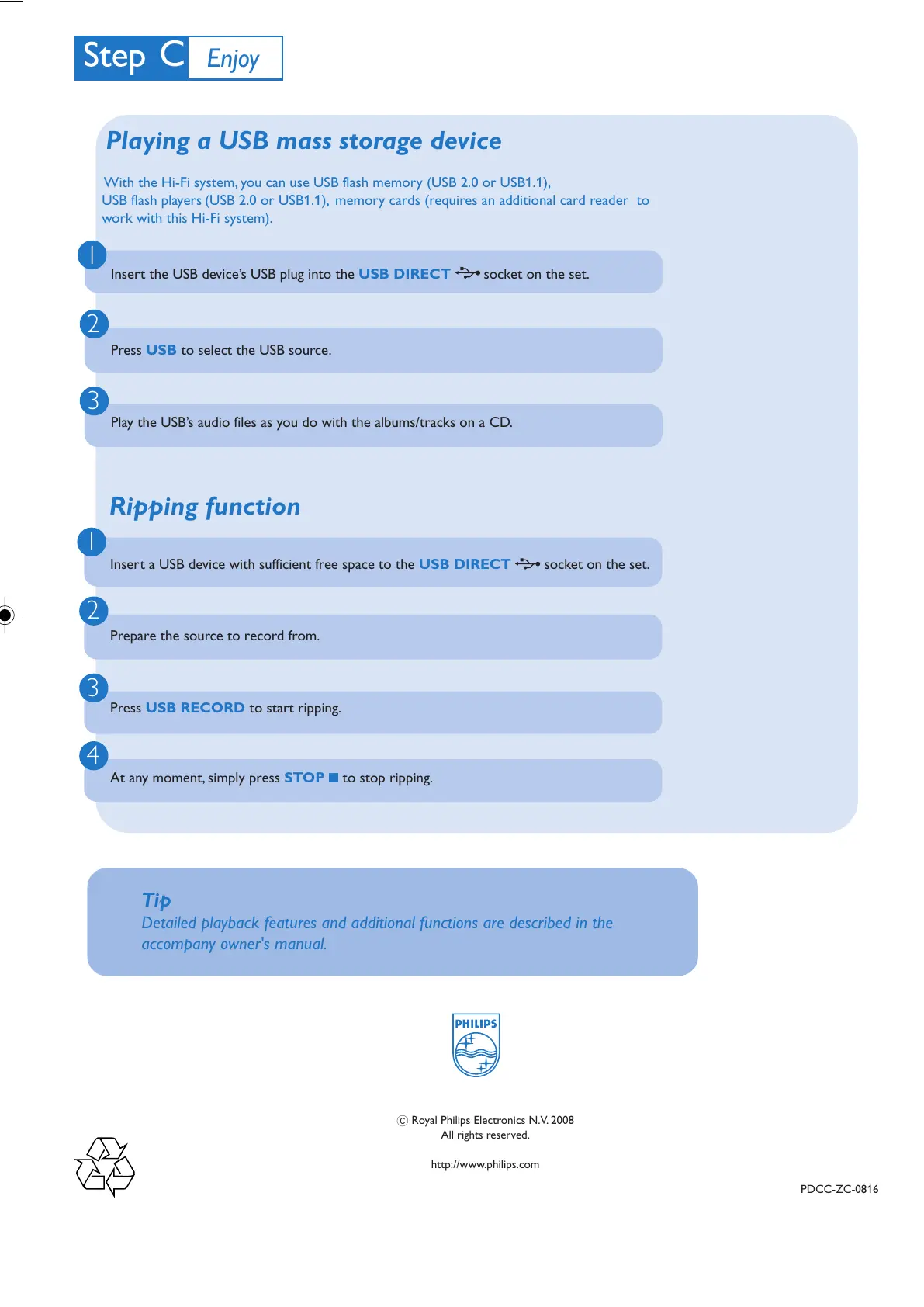
Insert the USB device’s USB plug into the USB DIRECT socket on the set.
Press USB to select the USB source.
Play the USB’s audio files as you do with the albums/tracks on a CD.
Playing a USB mass storage device
With the Hi-Fi system, you can use USB flash memory (USB 2.0 or USB1.1),
USB flash players
(USB 2.0 or USB1.1), memory cards (requires an additional card reader to
work with this Hi-Fi system).
Tip
Detailed playback features and additional functions are described in the
accompany owner's manual.
C Royal Philips Electronics N.V. 2008
All rights reserved.
http://www.philips.com
Ripping function
1
2
3
4
Insert a USB device with sufficient free space to the USB DIRECT socket on the set.
Prepare the source to record from.
Press USB RECORD to start ripping.
At any moment, simply press STOP 9 to stop ripping.
FWM583 QSG_Eng_55 2008.4.18, 13:314



 To Previous Page