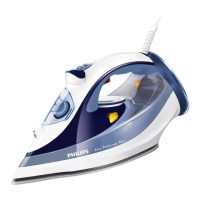
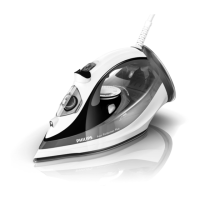
2 Press and hold the Ionic DeepSteam button (Fig. 9).
The Ionic DeepSteam light goes on and you hear a humming
sound. (Fig. 10)
3 The iron now produces Ionic DeepSteam to help you remove even
the toughest creases.
Note: The Ionic DeepSteam function is only effective when it is used in
combination with a steam setting and a temperature setting between
2
and MAX.
Note: Do not use the Ionic DeepSteam function when you iron without steam
and/or at low temperature settings. However, ironing at low temperatures
without steam with the Ionic DeepSteam function switched on will not
damage the iron.
Note: The Ionic DeepSteam output may vary from time to time, depending on
the ironing temperature.
Ironing without steam
1 Set the steam control to position 0 (= no steam) (Fig. 2).
Do not use the Ionic DeepSteam function, as this function does not
have an effect when you iron without steam
2 Select the recommended ironing temperature (see chapter
‘Preparing for use’).
After ironing
1 Remove the mains plug from the wall socket.
2 If you have been steam ironing, empty the water tank.
3 Let the iron cool down in a safe place.
Features
Spray function
Youcanusethesprayfunctiontoremovestubborncreasesatany
temperature.
,
ENGLISH10



 To Next Page
 Loading...