13
Streaming equalizer
Streaming equalizer lets you adjust the loudness of frequency
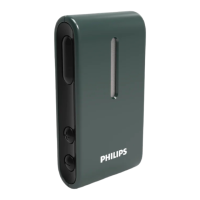
bands for the sound streamed from your mobile devices, TV
Adapter and/or AudioClip.
Streaming equalizer is not available on any Tinnitus program.
Note
The streaming equalizer button is always visible on Apple
and selected Android devices. On all other Android devices
the button appears the rst time you stream sound from
your phone or other connected devices.
To adjust the streaming equalizer
1. On the tab bar, tap Sound.
2. Above the tab bar, in the middle,tap the streaming
equalizer button
.
3. Move the slider(s) up or down.
• Low equalizes bass tones.
• Mid equalizes mid-range tones.
• High equalizes treble tones.
Default settings are always 0dB and the range is between
+6dB and -12dB.



 To Next Page
 Loading...