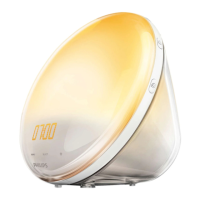
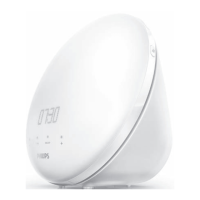
Setting the alarm sound (HF3505 only)
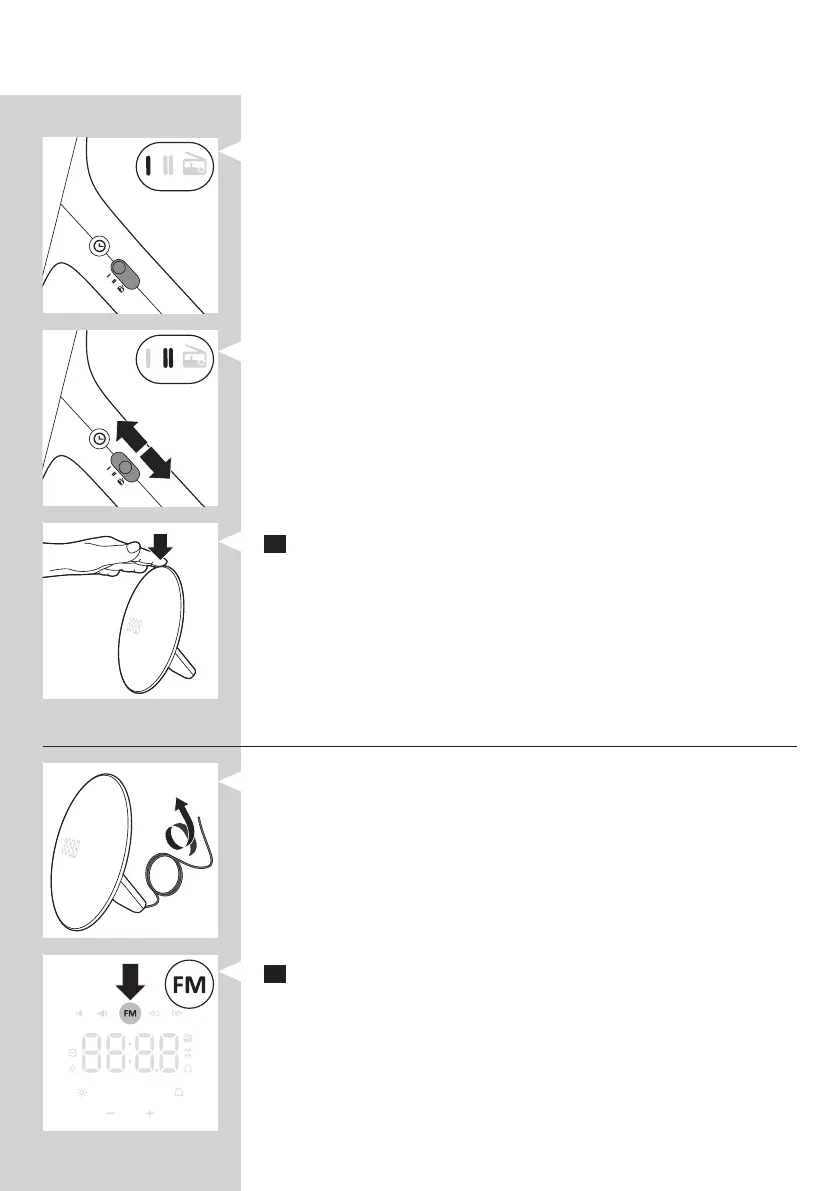
You can choose one of the following sounds by switching the function from:
- Sound I
- Sound II
- Radio
Note: When switching to a new alarm sound or radio, a preview of that sound/
radio will be played for 5 seconds.
Snoozing
1 Tap on top of the appliance to snooze 9 minutes.
, The lamp continues to be on at the selected intensity level, but
the alarm sound stops. After 9 minutes, the wake-up sound is
automatically played again.
Note: The 9-minute snooze time is xed. This time cannot be adjusted.
Radio/volume (HF3505 only)
Tip: Fully unwind the antenna to use the radio function.
1 To switch on the radio, press the radio on/off button.
, The radio icon appears in the display.
ENGLISH8


 To Next Page