EasyManua.ls Logo

Philips HP6390 - Page 4

Philips HP6390
10 pages
Print Icon
To Next Page IconTo Next Page
To Previous Page IconTo Previous Page
Loading...
Meijer.com
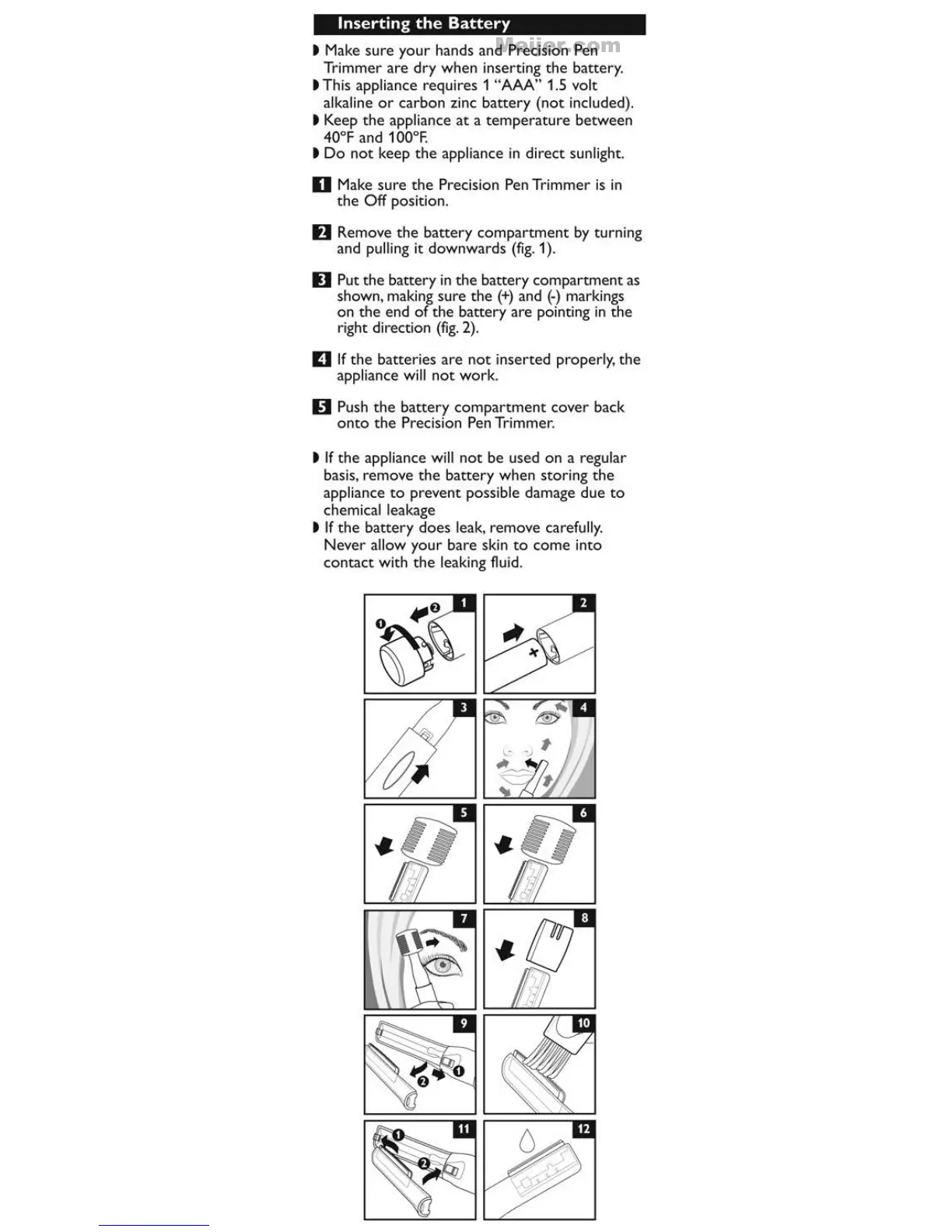
Inserting
the
Battery
t Make
sure
your
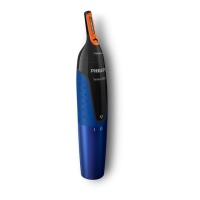
hands and Precision Pen
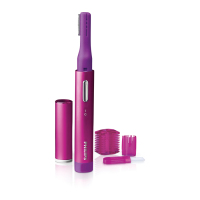
Trimmer
are
dry
when inserting
the
battery
.
t This appliance requi
res
1 "AAA" 1.5 volt
alkaline
or
carbon
zinc
battery
(not
included).
t Keep
the
appliance
at
a
temperature
between
40°F and 1
00°F.
t
Do
not
keep
the
appliance in direct sunlight.
D Make
sure
the
Precision Pen Trimmer
is
in
the
Off
position.
II
Remove
the
battery
compartment
by
turning
and pulling it
downwards
(fig.
1 ).
II
Put
the
battery
in
the
battery
compartment
as
shown, making
sure
the
(+)
and
(-)
markings
on
the
end
of
the
battery
are
po
inting
in
the
ri
ght
direction
(fig.
2).
E)
If
the
batteries
are
not
inserted
proper
l
y,
the
appliance wi
ll
not
work.
D Push
the
battery
compartment
cover
back
onto
the
Precision Pen Trimmer.
t
If
the
appliance wi
ll
not
be used
on
a regul
ar
basis, remove
the
battery
when storing
the
appliance
to
prevent possible damage
due
to
chemical leakage
t
If
the
battery
does
leak, remove carefully.
Never
allow
your
bare skin
to
come
into
contact
with
the
leaking fluid.

Related product manuals