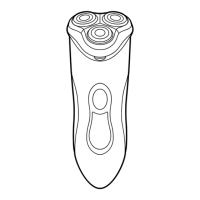
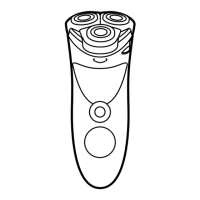
1 Switch off the shaver and disconnect it from
the mains.
2 Press the release button to open the shaving
unit.
3 Turn the lock anticlockwise (1) and remove the
retaining frame (2).
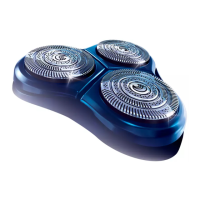
4 Remove the shaving heads and place new ones
in the shaving unit.
Make sure that the projections of the shaving
heads t exactly into the recesses.
5 Put the retaining frame back into the shaving
unit and turn the lock clockwise.
6 Close the shaving unit.
Note: If the shaving unit does not close smoothly, check
if you have positioned the shaving heads properly and
if the retaining frame is locked.
Accessories
The following accessories are available:
- HQ8500 adapter
- HQ9 Philips Shaving heads
- HQ110 Philips Shaving Head Cleaning Spray (not
available in some countries)
- HQ8010 car cord.
ENGLISH16



 To Next Page
 Loading...