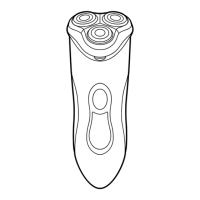
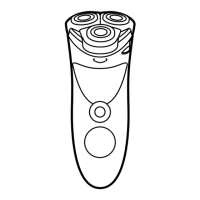
4 Remove the back panel.
5 Remove the two side panels.
6 Bend the 4 hooks aside and take out the
power unit.
Be careful, the hooks are sharp.
7 Undo the three screws in the power unit.
8 Remove the power unit cover with a
screwdriver.
9 Remove the battery.
Be careful, the battery strips are sharp.
Do not connect the shaver to the mains again after
you have removed the rechargeable battery.
ENGLISH18



 To Next Page
 Loading...