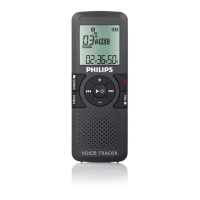
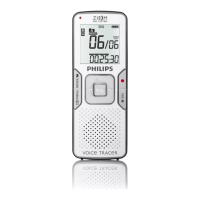
Overview playback functions4.2.1
Fast rewind
Fast forward
Rewind
Cue
Auto-
backspace
Press the REW button
1
briefly while
stopped. Press the STOP smart button
3
to
stop winding or the PLAY smart button
4
to
stop winding and start playback.
Press the FWD button
2
briefly while
stopped. Press the STOP smart button
3
to
stop fast forward or the PLAY smart button
4
to stop fast forward and start playback.
Press and hold the REW button
1
while
playing or recording. Release the REW button
to start playback.
Press and hold the FWD button
2
while
playing or recording. Release the FWD button
to start playback.
Press the REW
1
button briefly while playing
or recording to recap the last second and start
playback.
1
2
3
4
Delete4.3
D Note
Before deleting a file, make sure that it is not
marked finished and that the memory card
is not set to read-only (locked). If the file is
marked finished, unlock it by pressing the
EOL
button once.
4.3.1 Delete a file
Follow these steps to delete a file entirely:
Press the 1 + or – button
1
while stopped to
select the file to be deleted.
Press the 2
MENU button
2
to open the
Digital Pocket Memo menu. The Delete
dictation
menu item is selected.
Press the 3
ENTER smart button
3
to enter
the sub menu.
Press the 4
OK smart button
4
to delete the
file permanently. Press the
CANCEL smart
button
3
to cancel the operation and leave
the recording intact.



 To Next Page
 Loading...