17
English
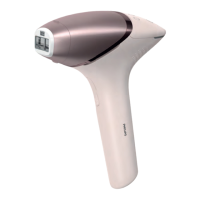
1 Connect the power adapter to the device and plug into a power outlet or
charge the device and use cordless.
2 Press the on/off button to turn on the device.
3 Choose the setting you selected after the skin test (section B, step 9).
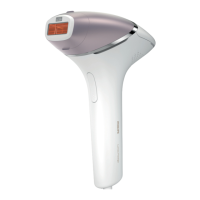
4 Press the device firmly onto your skin and hold it in place. The 'READY to
flash' light should light up white.
5 Press the flash button to release a flash on your skin. The flash treats the skin
in that spot.
The device makes a soft popping sound. The flash gives you a warm
sensation.
After each flash, it takes up to 3.5 seconds until the device is ready to flash
again. You can release a flash when the 'READY to flash' light lights up
white.


 To Next Page
 Loading...