13
English
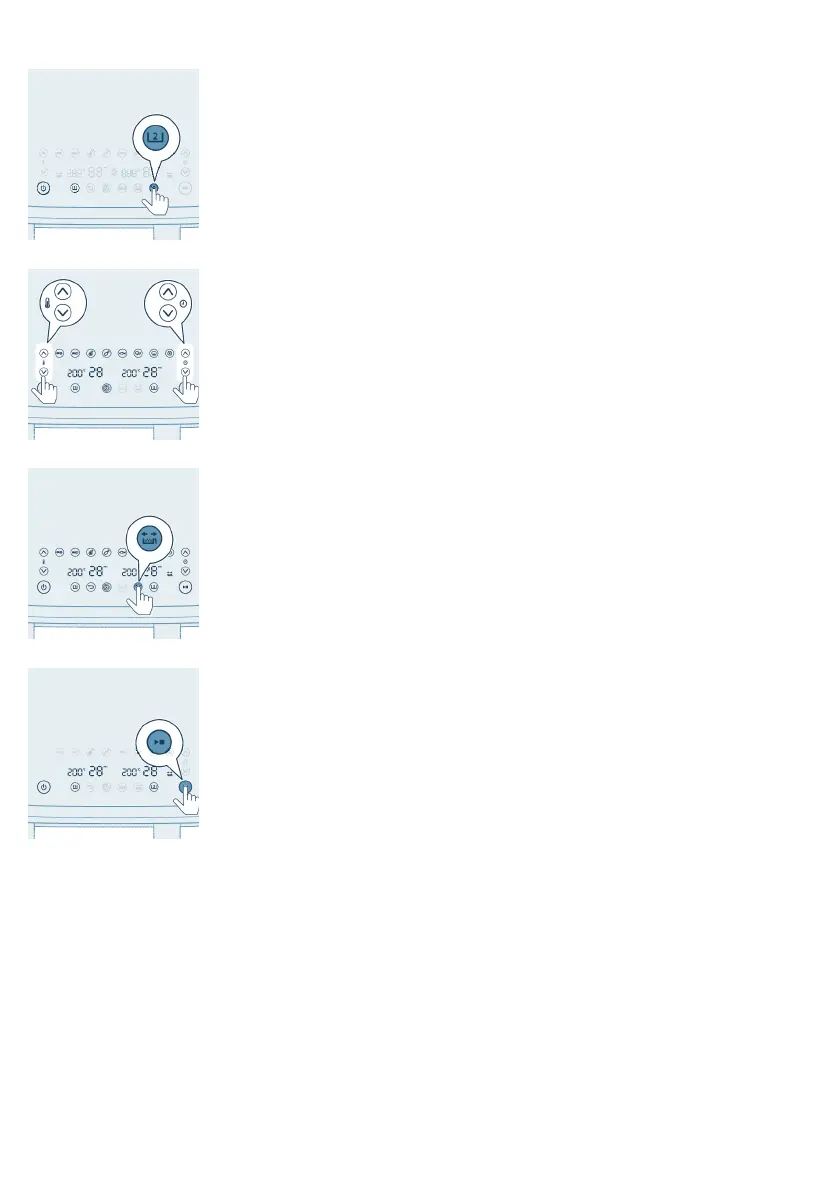
10 Select the big pan.
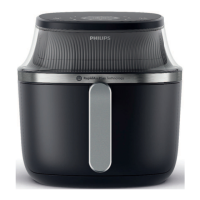
11 Press the temperature up/down button and time up/down button to choose
the needed time and temperature.
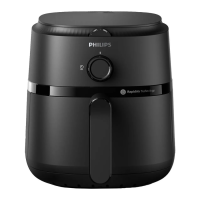
12 Press the shaking reminder button to be reminded to shake your food during
cooking process.
Note
-
You can enable or disable the shaking reminder at any time during the
cooking choosing the respective pan and then pressing the shaking
reminder button.
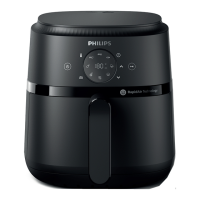
13 Press the Start/Stop button to start the cooking process.
Note:
-
The last cooking minute counts down in seconds.
-
Refer to the food table for basic cooking settings for different types of
food.
-
You can change the cooking settings at any time during the cooking
process by selecting the pan and then clicking the up or down buttons.
-
If you want that both pans pause cooking just press the Start/Stop button.
-
Press the Start/Stop button again. Both pans continue cooking.
-
If you want that only one pan pause cooking, select the respective pan
first and then press the Start/Stop button.
-
Press the Start/Stop button again and the respective pan continues
cooking.
-
The device is automatically in pause mode when you pull out a pan. The
cooking process continues when you put the pan back into the appliance.



 To Next Page