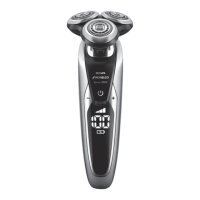
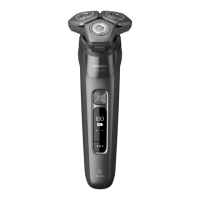
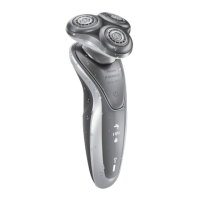
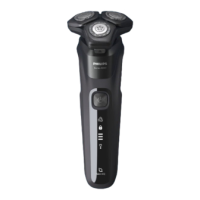
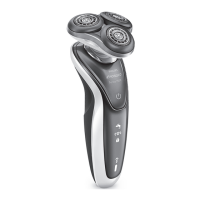
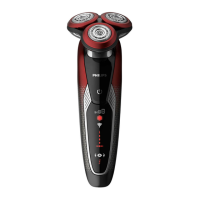
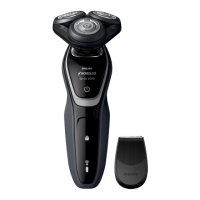
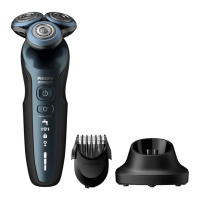
The display
Note: Before you use the shaver for the rst time, remove the protective foil
from the display.
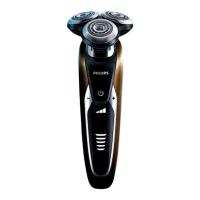
The various shaver types have different displays, which are shown in the
gures below.
- S95XX/S93XX
Personal settings
The appliance has a feature that allows you to personalise your settings.
You can choose between three settings depending on your personal
shaving needs: comfort, dynamic or efciency.
- When you press the - or + buttons, the bar lights up white
continuously.
Charging
- Charging takes approx. 1 hour.
Note: This appliance can only be used cordlessly.
- When the shaver is connected to the mains, you hear a sound. First the
bottom light ashes white then lights up white continuously. Then the
second light ashes and then lights up continuously, and so on until the
shaver is fully charged.
- Quick charge: When the bottom light stops ashing and lights up
continuously, the shaver contains enough charge for one shave.
Battery fully charged
Note: This appliance can only be used cordlessly.
Note: When the battery is full, the display switches off automatically after
30 minutes. When you press the on/off button during or after charging,
you hear a sound to indicate that the shaver is still connected to the mains.
- When the battery is fully charged, all lights of the battery charge
indicator light up white continuously.
ENGLISH6


 To Next Page
 Loading...