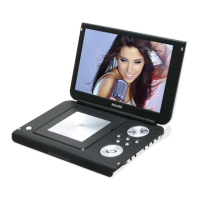
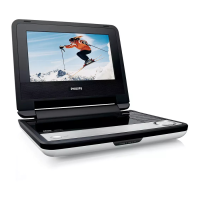
4.0 MECHNICAL INSTRUCTIONS
THE MAIN SET (for PET711 & PET100)
Fig.1
1. Back View as shown in Fig.1
Remove screws on back cabinet
and disconnect the wire on function board
2.Disconnect wires on the DVD loader
as shown in Fig.2.
3.
Fig.2
Fig.3
Remove screws to take out the main PCB
as shown in Fig.3.
4.
Fig.4
Disassembly the door and function
button discreteness and the middle cabinet
discreteness, remove screws to take out
the function PCB from the door and function
button discreteness as shown in Fig.4.


 To Next Page
 Loading...