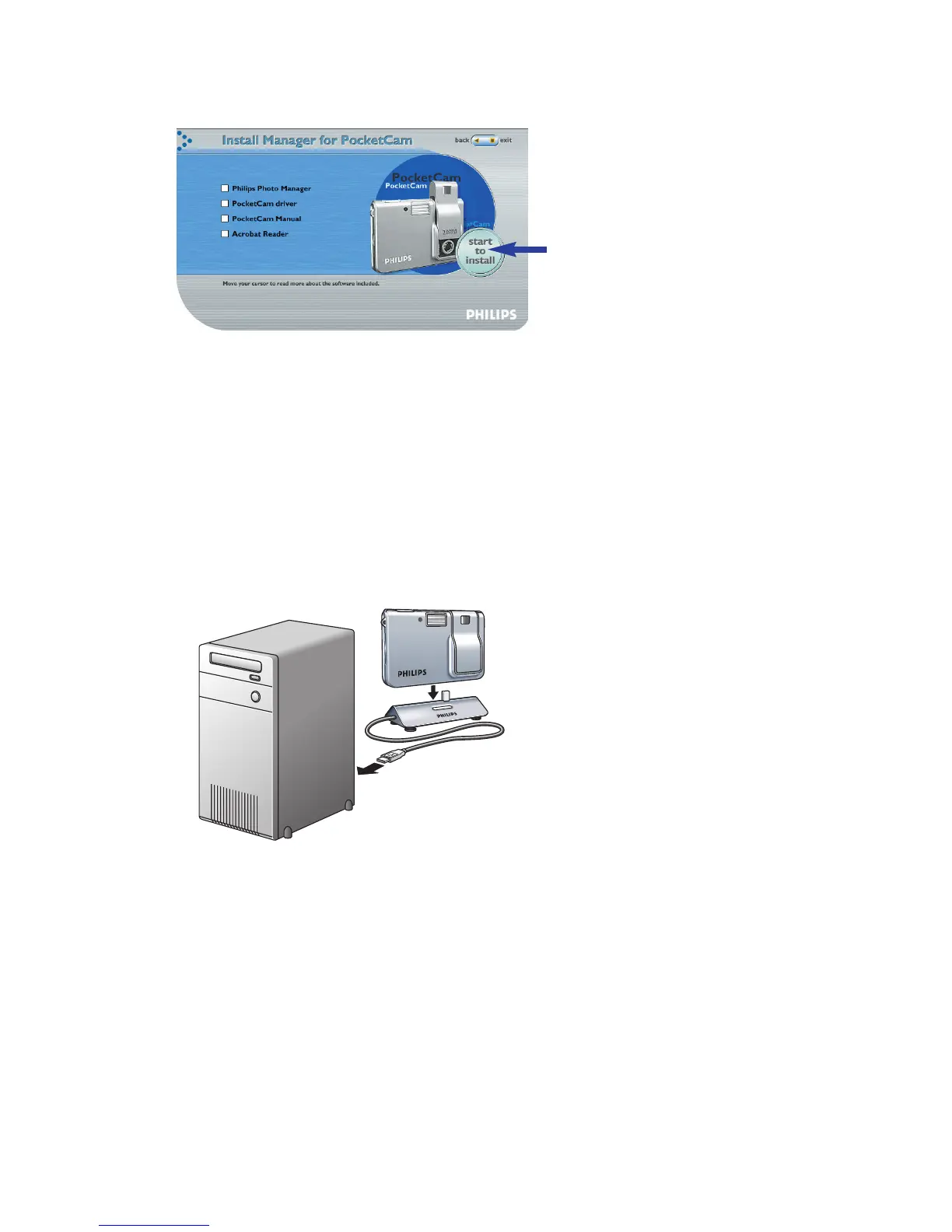
5 Click ‘Start to install’ to start installation.
Notes!
– If the ‘Language Selection’ screen does not appear automatically, open Windows Explorer and
double-click the ‘Autorun.exe’ icon in the CD-ROM directory.
– For more detailed information, refer to chapter 4,‘Installation’.
Charging
1 Turn on the PC.
2 Be sure to run the installation CD-ROM first, before connecting the camera to the PC.
3 Connect the USB cable to the USB port of the PC.
4 Connect the camera USB connector to the USB connector on the docking base.
Push it down gently until it clicks in position.
>You will hear a low/high beep, the Charge LED starts blinking blue.
The battery will now be charged.
> When the battery is fully recharged the Charge LED will remain lit.
Note!
– For more detailed information, refer to chapter 4,‘Installation’.
2.0
MEGA
PIXELS
2.0
MEGA
PIXELS
ENGLISH 7



 To Next Page