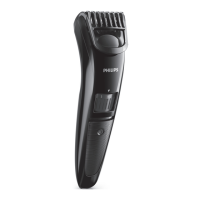
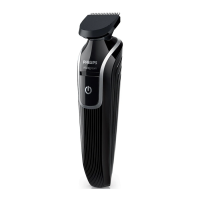
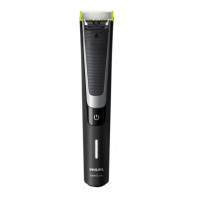
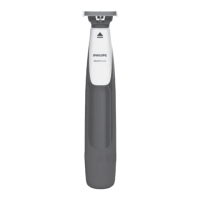
Setting Hair length after trimming
9 9 mm - 3/8 inch
10 10 mm - 13/32 inch
* no comb = 0.5mm - 1/32 inch
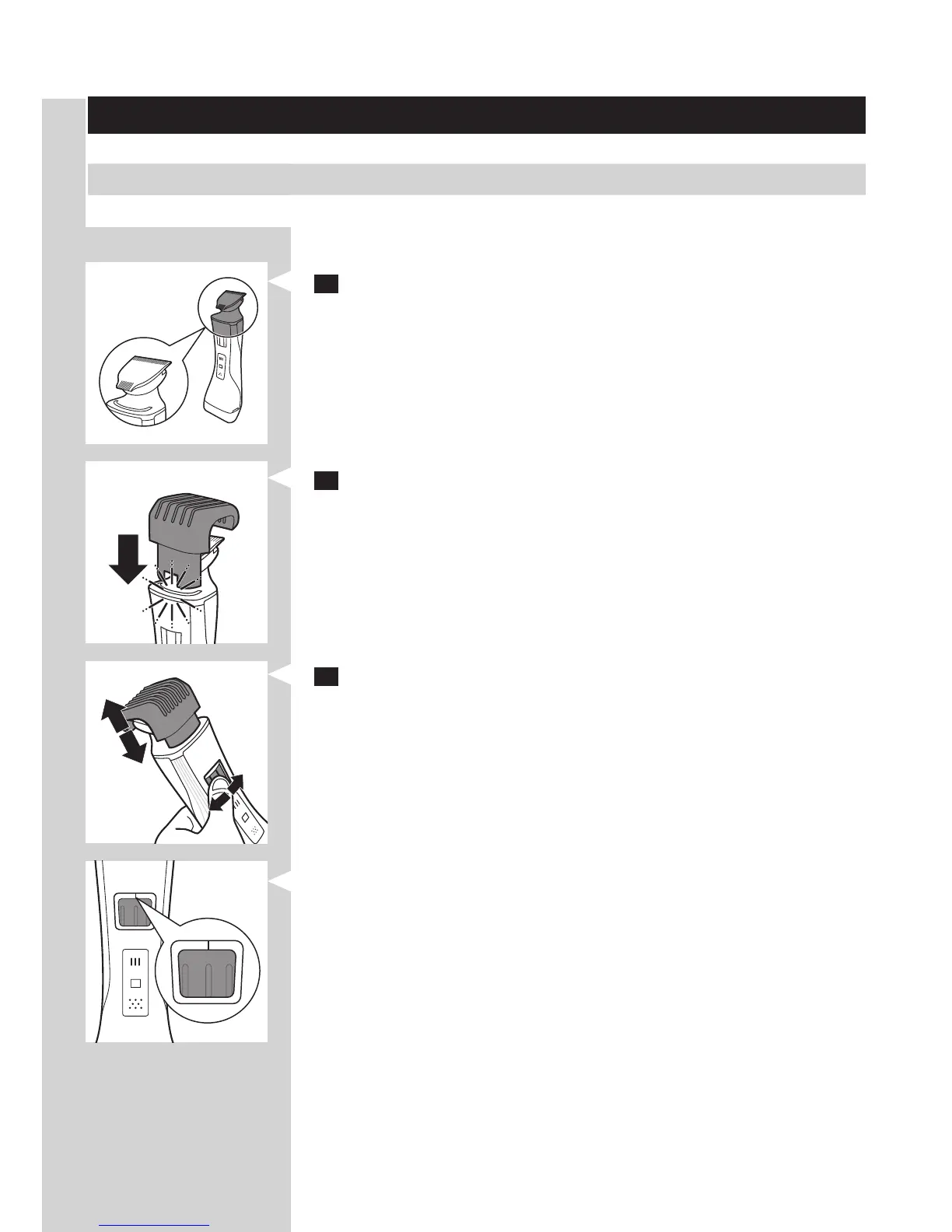
1 Hold the appliance in the trimming position, with the trimming head
pointing upwards and the shaving head pointing downwards.
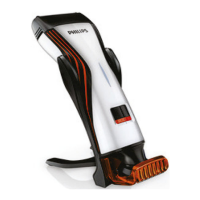
2 Slide the comb into guiding groove of the appliance (‘click’).
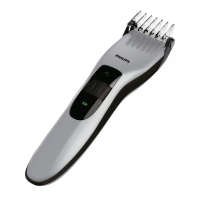
3 Press the hair length setting selector and then move it from left to
right or right to left to select a setting.
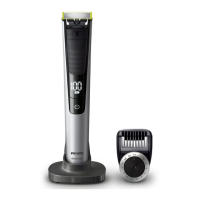
- The line above the hair length setting selector shows which setting you
have selected.
3 24
ENGLISH 9



 To Next Page