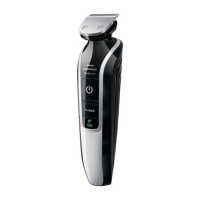
Trimming with comb
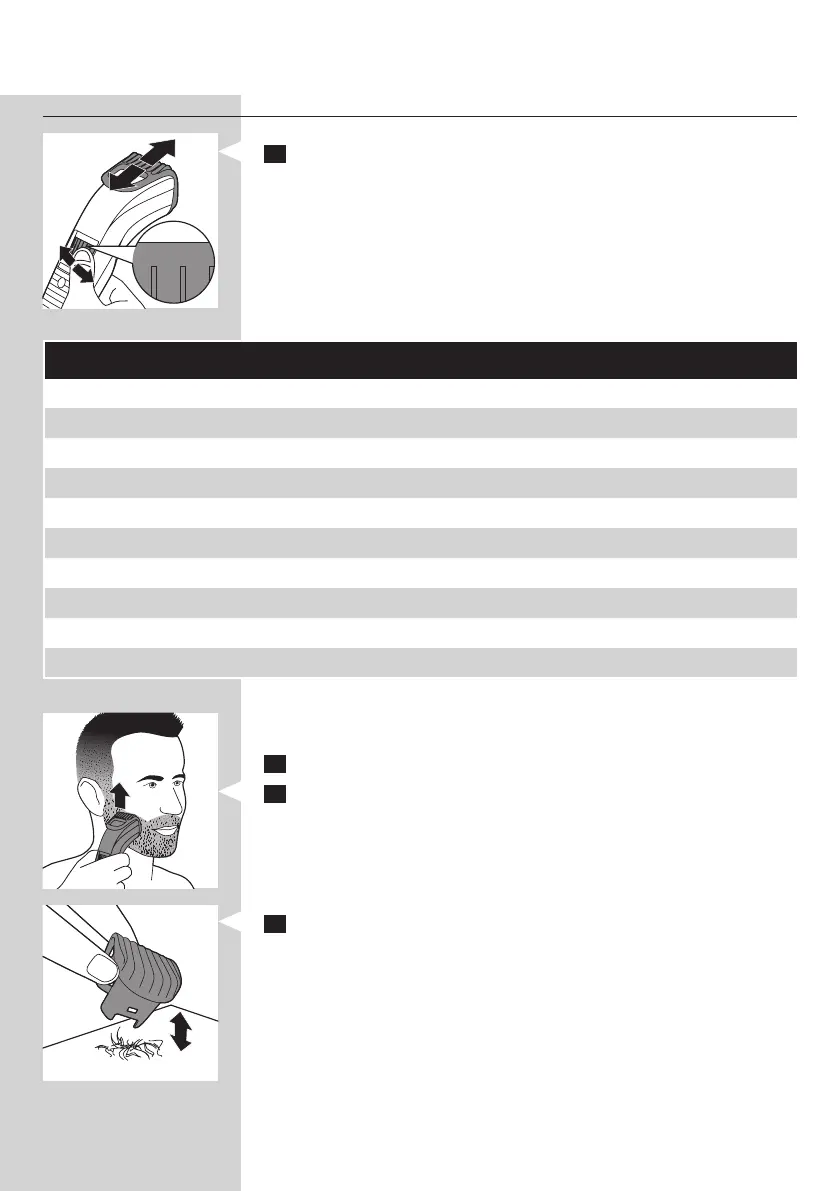
1 Turn the Precision Zoom Lock™ adjustment ring to the
desired setting. The selected setting is the setting in the centre of the
adjustment ring.
See the table below for an overview of the settings and the resulting
hair lengths.
Setting Resulting hair length Setting Resulting hair length
. 0.5mm . 5.5mm
1 1mm 6 6mm
. 1.5mm . 6.5mm
2 2mm 7 7mm
. 2.5mm . 7.5mm
3 3mm 8 8mm
. 3.5mm . 8.5mm
4 4mm 9 9mm
. 4.5mm . 9.5mm
5 5mm 10 10mm
Note: When you trim for the rst time, start at the highest setting (10) to
familiarise yourself with the appliance.
2 Switch on the appliance.
3 To trim most effectively, move the trimmer against the hair growth
direction. Make sure the surface of the comb always stays in contact
with the skin.
4 If a lot of hair has accumulated in the beard trimming comb,
remove the comb and blow and/or shake the hair out of it.
The selected setting does not change when you do this.
ENGLISH6



 To Next Page