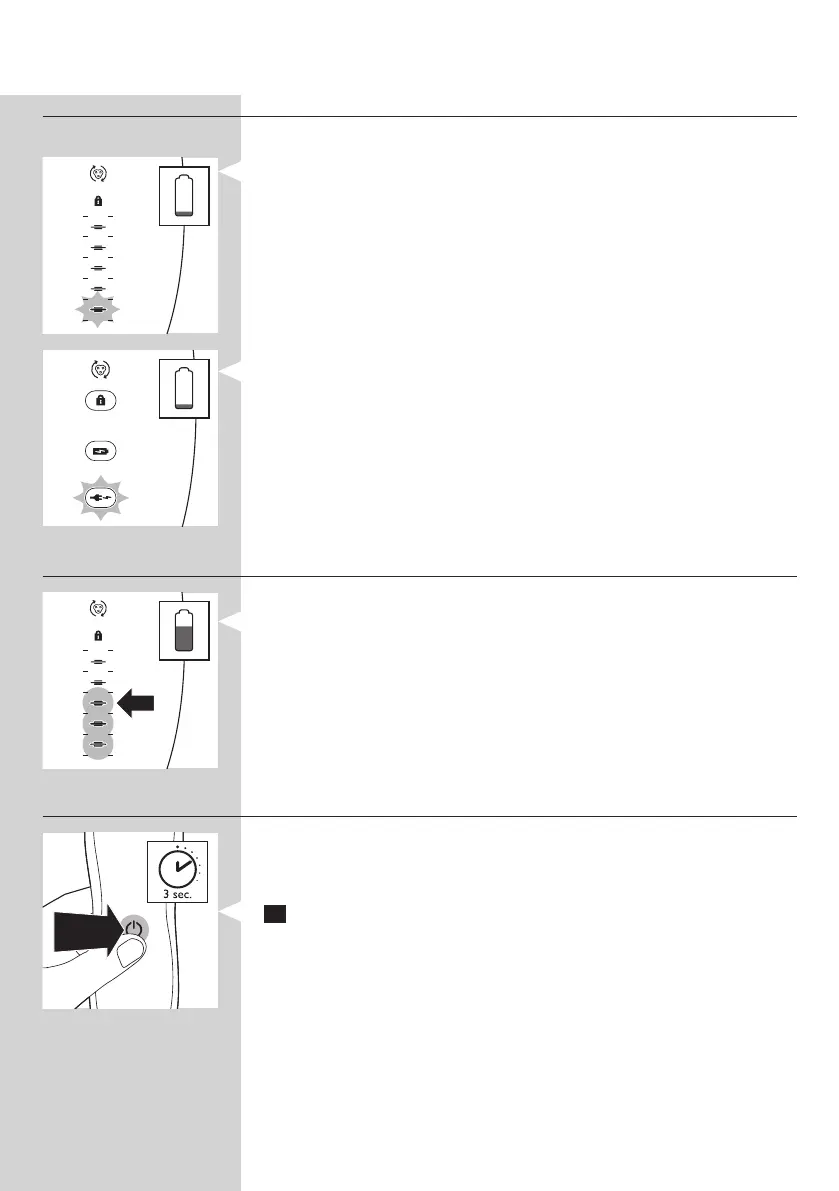
Battery low
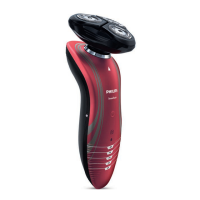
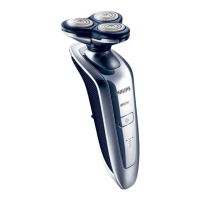
RQ1197, RQ1195, RQ1180, RQ1175
- When the battery is almost empty (when there are only 5 or fewer
shaving minutes left), the bottom charging light ashes orange.
- When you switch off the shaver, the bottom charging light continues to
ash for a few seconds.
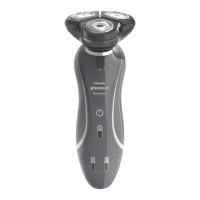
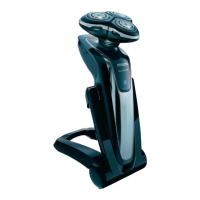
RQ1185, RQ1167, RQ1160, RQ1155, RQ1151, RQ11510,
RQ1145, RQ1141, RQ1131
Note: The displays of the various shaver types look different, but work in
the same way.
- When the battery is almost empty (when there are only 5 or fewer
shaving minutes left), the plug symbol ashes.
- When you switch off the shaver, the plug symbol continues to ash for
a few seconds.
Remaining battery capacity
RQ1197, RQ1195, RQ1180, RQ1175
- The remaining battery capacity is indicated by the number of charging
lights that are on.
Travel lock
You can lock the shaver when you are going to travel. The travel lock
prevents the shaver from being switched on by accident.
Activating the travel lock
1 Press the on/off button for 3 seconds to enter the travel lock mode.
ENGLISH10


 To Next Page
 Loading...