Introduction
Congratulations on your purchase and welcome
to Philips! To fully benet from the support that
Philips offers, register your product at www.philips.
com/welcome.
Please read this user manual, as it contains
information about the features of this shaver as
well as some tips to make shaving easier and more
enjoyable.
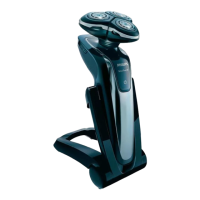
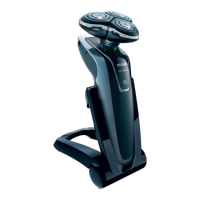
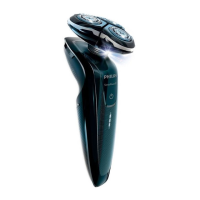
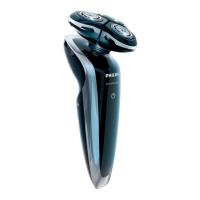
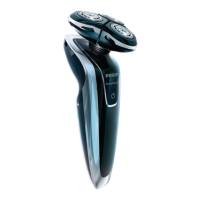
General description (Fig. 1)
A Shaver (RQ1290/RQ1280/RQ1260/RQ1250)
1 Trimmer
2 Trimmer on/off slide
3 Shaving unit
4 Protection cap
5 Shaver
6 Shaver on/off button
7 Display
B Charger
C Jet Clean System (RQ1008/RQ1007) (specic
types only)
8 Shaver holder
9 ’Cleaning chamber empty’ symbol
10 Cleaning symbol
11 Drying symbol
12 Jet Clean System on/off button (RQ1008 only:
and up/down button for program selection)
13 Cleaning chamber release button
D Cleaning brush
E Cleaning uid
F Pouch
G Adapter
ENGLISH
27



 To Next Page