9
2. Setting up the monitor
3
Resolution notification
This monitor is designed for optimal
performance at its native resolution,
1920 x 1080. When the monitor is
powered on at a different resolution, an
alert is displayed on screen: Use 1920 x
1080 for best results.
Display of the native resolution alert
can be switched off from Setup in the
OSD (On Screen Display) menu.
4
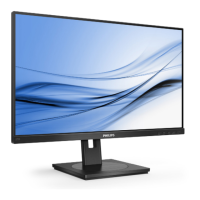
Physical Function
Tilt
25°
-5°
Swivel
-180°
+180°
Height adjustment
130mm
Pivot
90°-90°
0°0°


 To Next Page
 Loading...