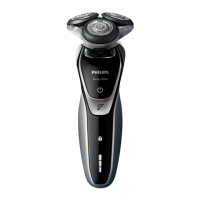
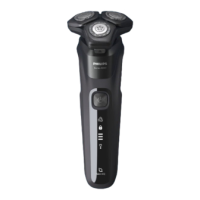
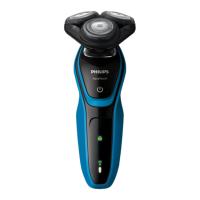
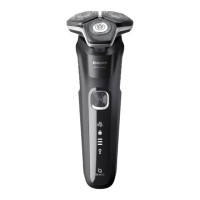
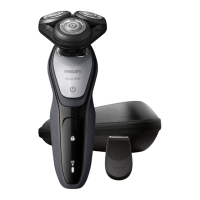
1 The shaving unit symbol lights up continuously
when you switch off the shaver to indicate that
the shaving heads need to be replaced.
2 Press the release button and open the shaving
unit.
3 Pull the shaving head holder off the bottom
part of the shaving unit.
4 Turn the retaining rings anticlockwise and
remove them.
5 Remove the shavings heads from the shaving
head holder and throw them away.
6 Place new shaving heads in the holder.
1
2
ENGLISH28



 To Next Page
 Loading...