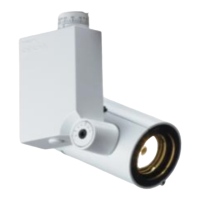
Installation & User’s Manual PL1 LED Luminaires
30 INFRARED REMOTE CONTROL
To select and program PL1 LED luminaire with PL1IRR remote:
Note: The IR, on the PL1 LED luminaire, must be set to "Enabled" in order for the PL1IRR remote to communicate
and control the fixture. Refer to PL1 LED Luminaire Installation & User’s Manual on luminaire menu settings.
Step 1. Point PL1IRR programming remote Laser / IR window directly at luminaire IR programming window (as
shown in Figure 4) and hit "Enter" button. Note, each luminaire to be programmed/adjusted needs to be
selected and programmed/adjusted individually.
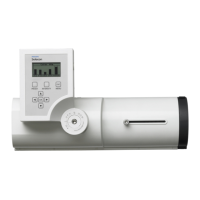
Figure 4: PL1 LED Luminaire Programming / Control
Step 2. Point PL1IRR remote directly at luminaire IR window and hit "Laser" button. Luminaire to be programmed
or adjusted is now selected.
Note: At luminaire IR port, a Blue LED will illuminate when the fixture is in programming mode and blink Red when
buttons are pressed on IR remote to confirm it sees the remote and is receiving commands.
Step 3. Set luminaire to preset or make adjustments as desired.
Step 4. To save settings, hit "Learn" button and then hit any Preset button (except Off - Off cannot be programmed).
Preset is now saved. To cancel programming, hit "Cancel" button.
Step 5. After programming or adjustments are complete, hit "Exit" button. Repeat, as desired, on additional
luminaires to be programmed/adjusted.
Note: Refer to PL1IRR Remote Control User’s Manual for additional information. This manual is available on the
Philips Selecon web site at www.seleconlight.com.
LEARN
EXIT
1
LASER
COLOR
PRESETS
ENTER
PROGRAM
CANCEL
RED GREEN BLUE WHITE
SSSS
TTTT
WHITE
23
456
OFF
WARM COOL DAY
INTENSITY
PL1IRR
PL1 LED Luminaire
(IR-enabled model)
PL1 IR
Port
PL1IRR Remote Control


 To Next Page
 Loading...