EN
9
EN
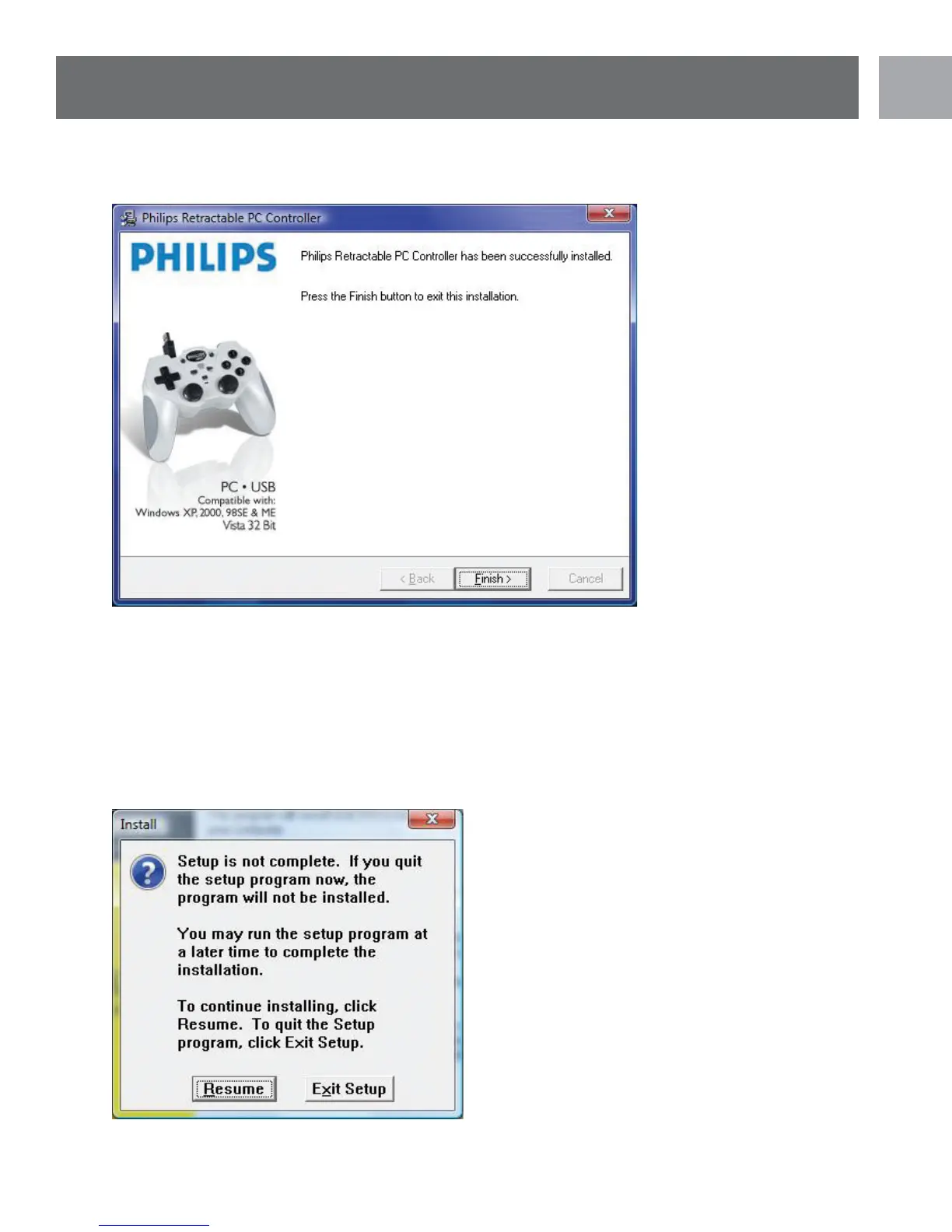
10. You can now click the ‘FINISH’ button at the following screen to complete the installation.
11. Once installation is complete you can reconnect the SGC2909 to your PC’s USB port. Windows may
prompt you to restart your PC. If this occurs please select ‘YES’.
Installation Notes
1. You can abort the software installation by clicking the ‘CANCEL’ button. The following screen would then
appear. Clicking ‘RESUME’ will resume the installation, while clicking ‘EXIT SETUP’ will quit the installation.
Installation


 To Next Page