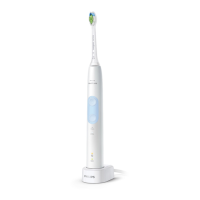
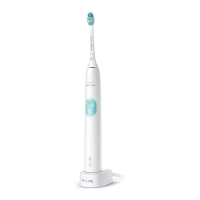
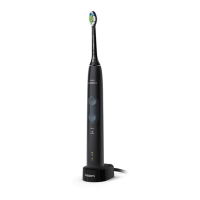
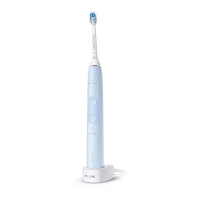
Accessories for Philips Sonicare Toothbrush
Follow these steps to see which accessories are available for your Philips Sonicare Toothbrush:
1. Go to Philips' parts and accessories page
2. Use the search bar to search by model number or navigate to your product
3. Once on the electric toothbrush overview page, you can use the filters on the left to specify your
search
Please contact us if you need further assistance.
How often can I use my Philips Sonicare
toothbrush per charge?
Do you want to know the operating time of your fully charged Philips Sonicare toothbrush? Find
the operating time for your Philips Sonicare toothbrush.
Operating time for each toothbrush
The below operating times are based on a full charge and regular use (twice a day). It can take up
to 24 hours before your Philips Sonicare toothbrush is fully charged. To avoid an empty battery,
you can always leave your toothbrush on the charger between brushings.
Operating time from full to empty
DiamondClean Smart; up to 2 weeks
DiamondClean; up to 3 weeks
FlexCare Platinum Connected; up to 2 weeks
FlexCare and FlexCare+; up to 3 weeks
ProtectiveClean; up to 2 weeks
3 Series; up to 3 weeks
2 Series; up to 2 weeks
HealthyWhite+; up to 3 weeks
Essence+; up to 10 days
Essence; up to 2 weeks
Which devices are compatible with my
Philips Sonicare App?
Your Philips Sonicare App supports every smartphone that runs on Android 6.0 and higher and every
iPhone that runs on iOS 11.0 and higher. You can download the app by clicking here on Google Play
Store and or the iOS App Store.



 To Next Page
 Loading...