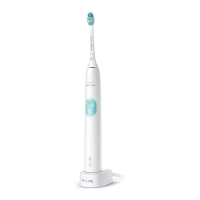
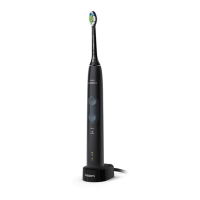
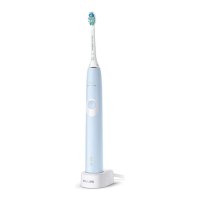
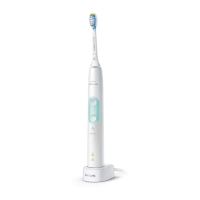
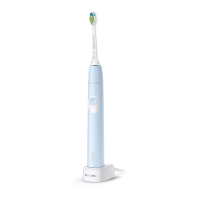
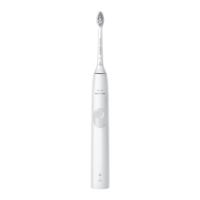
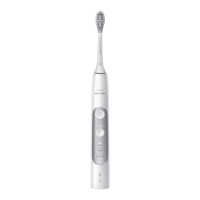
-
Triple tone of high-med-low means the
pressure sensor feature has been
deactivated. The brush head
replacement light and battery light will
also blink amber 3 times in unison to
confirm deactivation.
If you continue holding the power on/off
button after the three short beeps, the
activate/deactivate sequence repeats.
Battery status and charging
1 Put the plug of the charger in an electrical
outlet.
2 Place the handle on the charger.
-
The charger will emit 2 short beeps to
confirm that the handle is placed
properly.
-
The flashing light of the battery level
indicator shows that the toothbrush is
charging.
-
When handle is fully charged on the
charger, the battery light shows solid
green for 30 seconds and switches off.
Note: Your toothbrush comes pre-charged for
first use. After first use, charge for at least 24
hours.
Battery status (when handle is not on charger)
When removing the Philips Sonicare from the
charger, the battery light at the bottom of the
18
English


 To Next Page
 Loading...