13
English
Total brushing
time
2 minutes 2 minutes and 30
seconds
3 minutes
How to brush Brush each
segment for 30
seconds.
Brush each
segment for 30
seconds
then brush
segments 5 and 6
for 15 seconds
each to brighten
and polish front
teeth.
Brush each
segment for 30
seconds
then brush
segments 5, 6, 7
and 8 for 15
seconds each to
gently stimulate
and massage
your gums.
Intensities
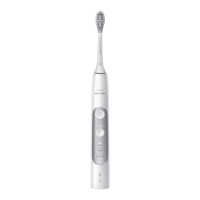
Your power toothbrush comes with 3 different intensity
settings:
- low intensity (one bar)
- medium intensity (two bars)
- high intensity (three bars)
When attached to the handle, the smart brush head will
automatically select the recommended intensity (specific
models only). If you wish to change to a different
intensity, you can do so by pressing the mode/intensity
button while brushing. The intensity cannot be changed
as long as the handle is powered off or paused.



 To Next Page
 Loading...