USING THE INCREDIBLE SURROUND FEATURE
T
he Incredible Surround feature
adds greater depth and dimen-
sion to both monaural (MONO)
and stereo TV sound. With the con-
trol turned ON the TV's speakers
can add even wider sound separa-
tion to normal broadcasts.
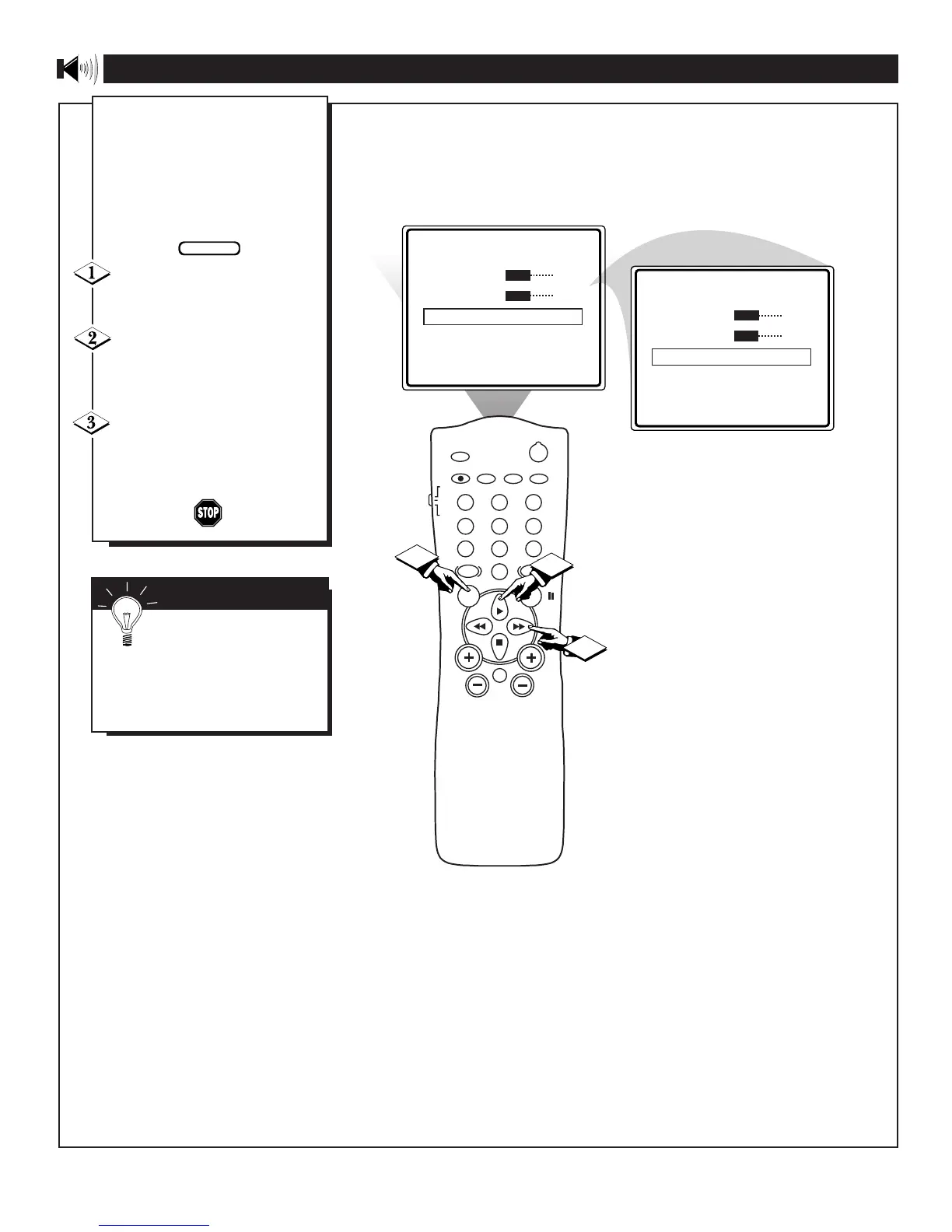
Press the MENU button on the
remote to display the onscreen
menu.
Press the CURSOR UP © or
CURSOR DOWN ■ button until
the words INCREDIBLE SURR
are highlighted.
Press the CURSOR RIGHT
©© or the CURSOR LEFT §§
buttons to turn the Incredible
Surround control ON or OFF.
SMART HELP
Remember: The onscreen
menu will time out and dis-
appear from the screen when you
finish, or you can press the STA-
TUS/EXIT button to clear the
menu from the screen.









 To Next Page