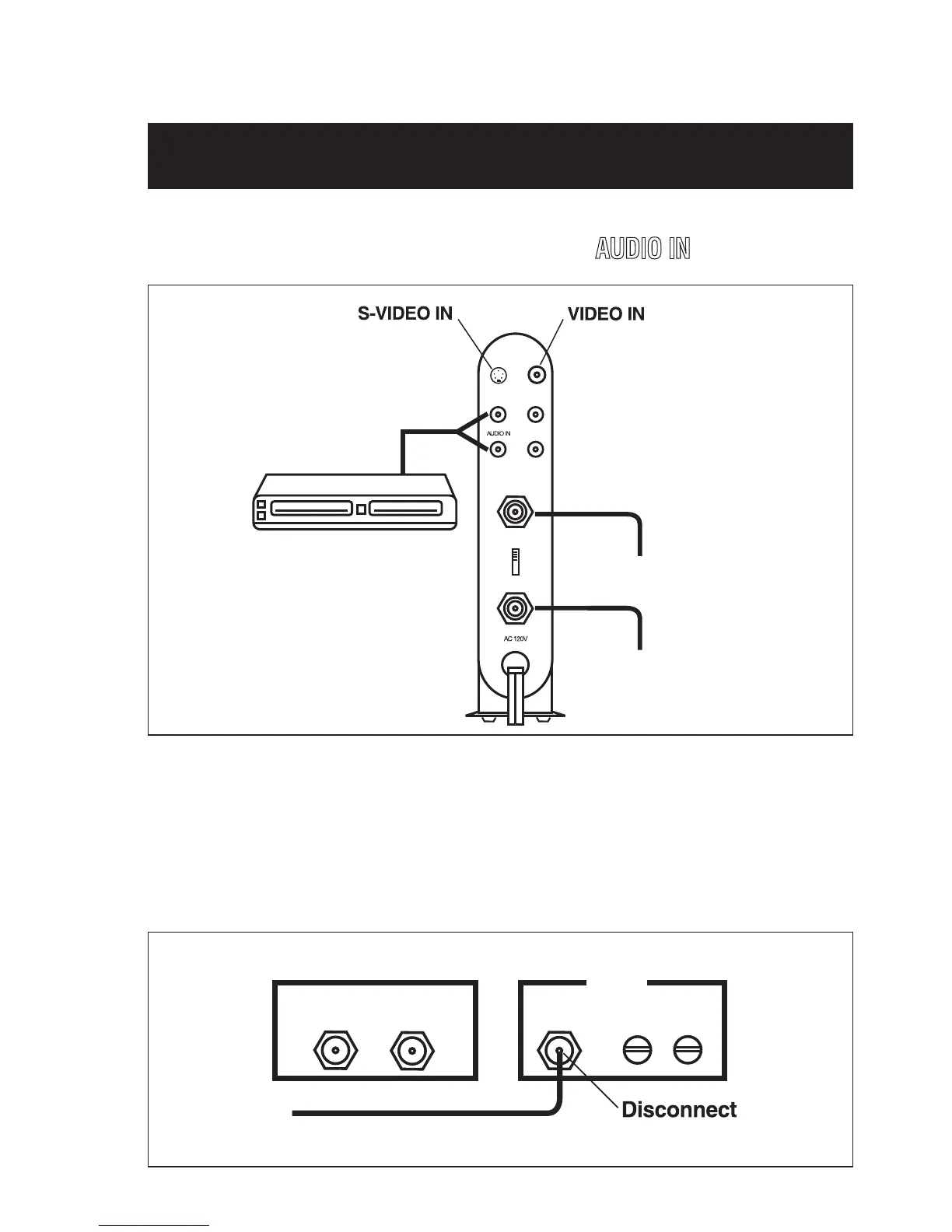
2. Connect another audio/video cable between the audio output jacks on
your video source and the RF Modulator’s
AUDIO IN
jacks.
CATV
TV
Jack
Jack
Audio Source
ANT IN
TO TV
4
3
Channel
AUDIO OUT
L
R
VIDEO
60Hz/4.5W
3. Connect the 75-ohm coaxial cables to the RF Modulator following
these guidelines:
• If your TV is already connected to another VHF input source
(such as cable TV, VCR, etc.):
Ant In To TV 75 Ohm
CATV
RF Modulator
300 Ohms
VHF
from here
TV
CONNECTIONS continued



 To Next Page