15
Digital Voice Tracer
Table of contents
3.4.1 Menu overview
Note
• In stop mode (start-up screen), press
MENU, to call the menu.
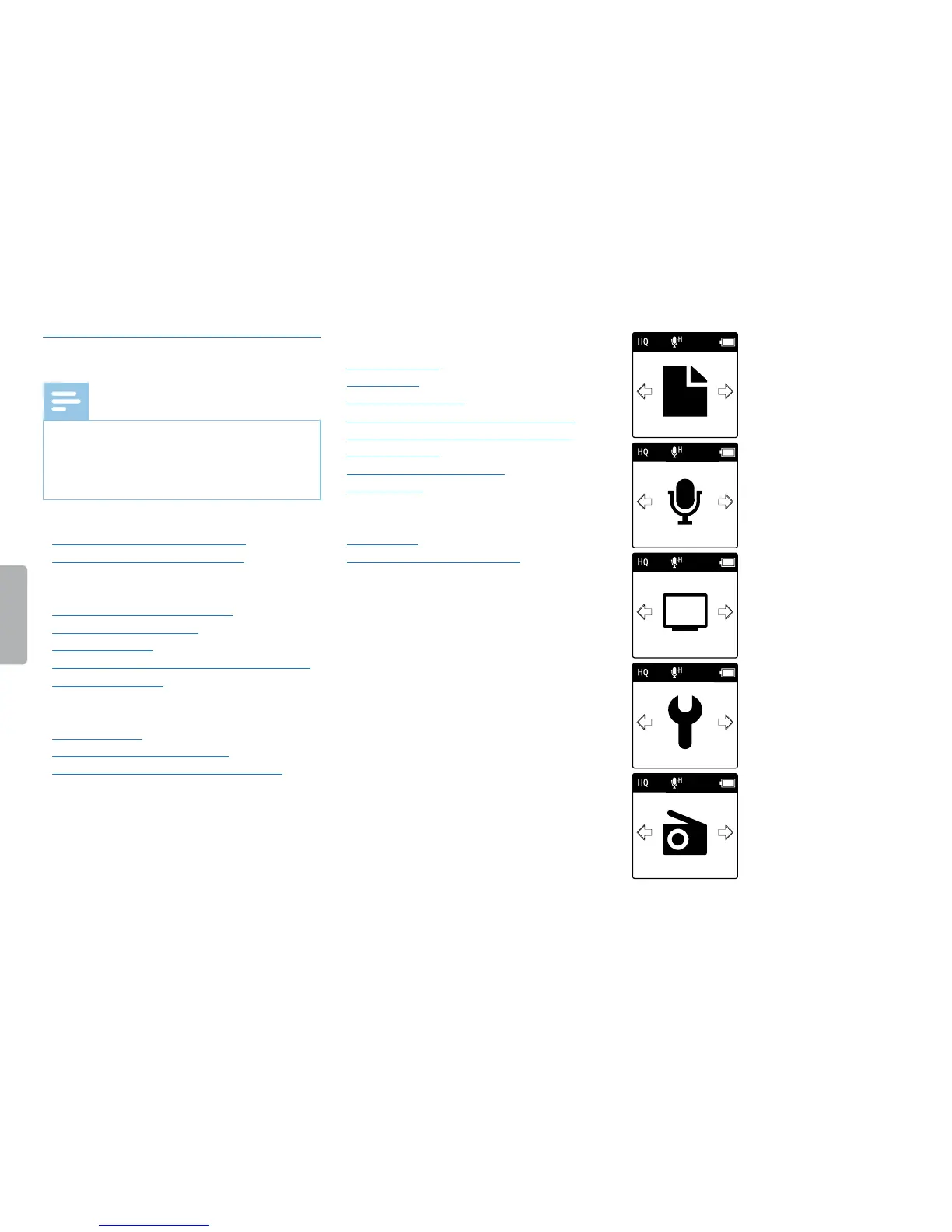
• Press h / b to select one of the
following menus: Ò, Ó, Ô, Õ or Ö.
Ò File menu:
Repeat a file / repeat a sequence
Protecting a recording / lock file
Ó Recording settings:
Setting microphone sensitivity
Setting recording quality
Setting the timer
Enabling/disabling voice-activated recording
Setting auto divide
Ô Display settings:
Select language
Adjusting the display contrast
Enabling/disabling the background light
Õ Device settings:
Set date & time
AUTO-OFF
Memory formatting
Enabling/disabling the record indicator
Enabling/disabling key and signal tones
Set file location
Display device information
Device reset
Ö Radio settings: (DVT2000)
Radio mode
Saving a radio station pre-set



 To Next Page
 Loading...








