19
First steps
Table of contents
4.6 Accessories
Depending on the type of the device, the product package may include
various accessories. Additional accessories may be obtained directly
from your retailer.
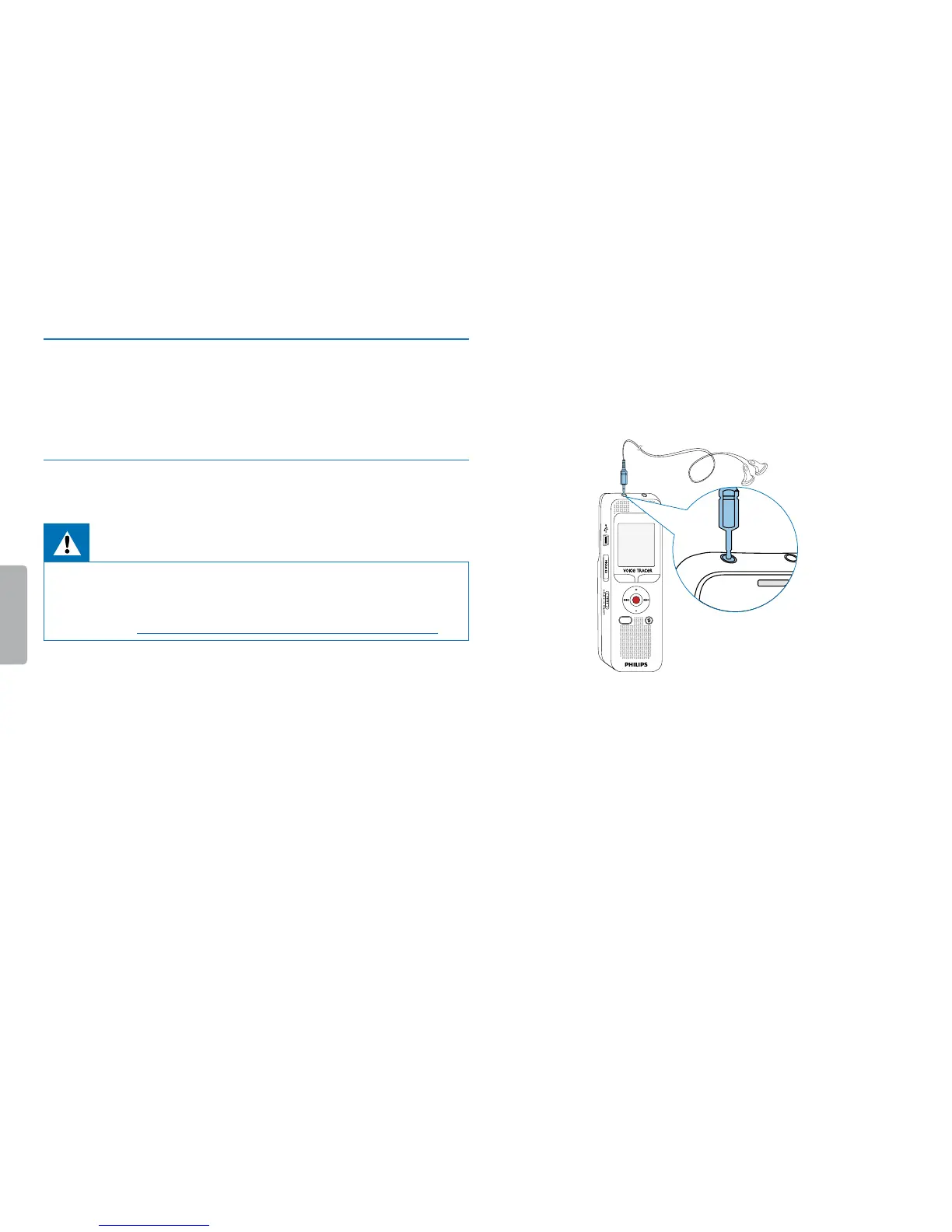
4.6.1 How to connect headphones
Scope of delivery: DVT2000
Warning
• Set the volume to a moderate level and do not use headphones
to listen for excessively long periods of time. Exposure to intense
sound can cause hearing damage. Observe the Hearing safety
instructions (see also chapter 1.1.3 Hearing protection, page 6).
1
Turn down the volume of the device before you plug in the
headphones.
2
Insert the stereo jack into the headphone connection EAR on the
top of the device.
MENU
j e
MIC
EAR
3
Turn up the volume until you reach a comfortable listening level.
The speaker is switched o when headphones are connected.



 To Next Page
 Loading...








