32
Settings
Table of contents
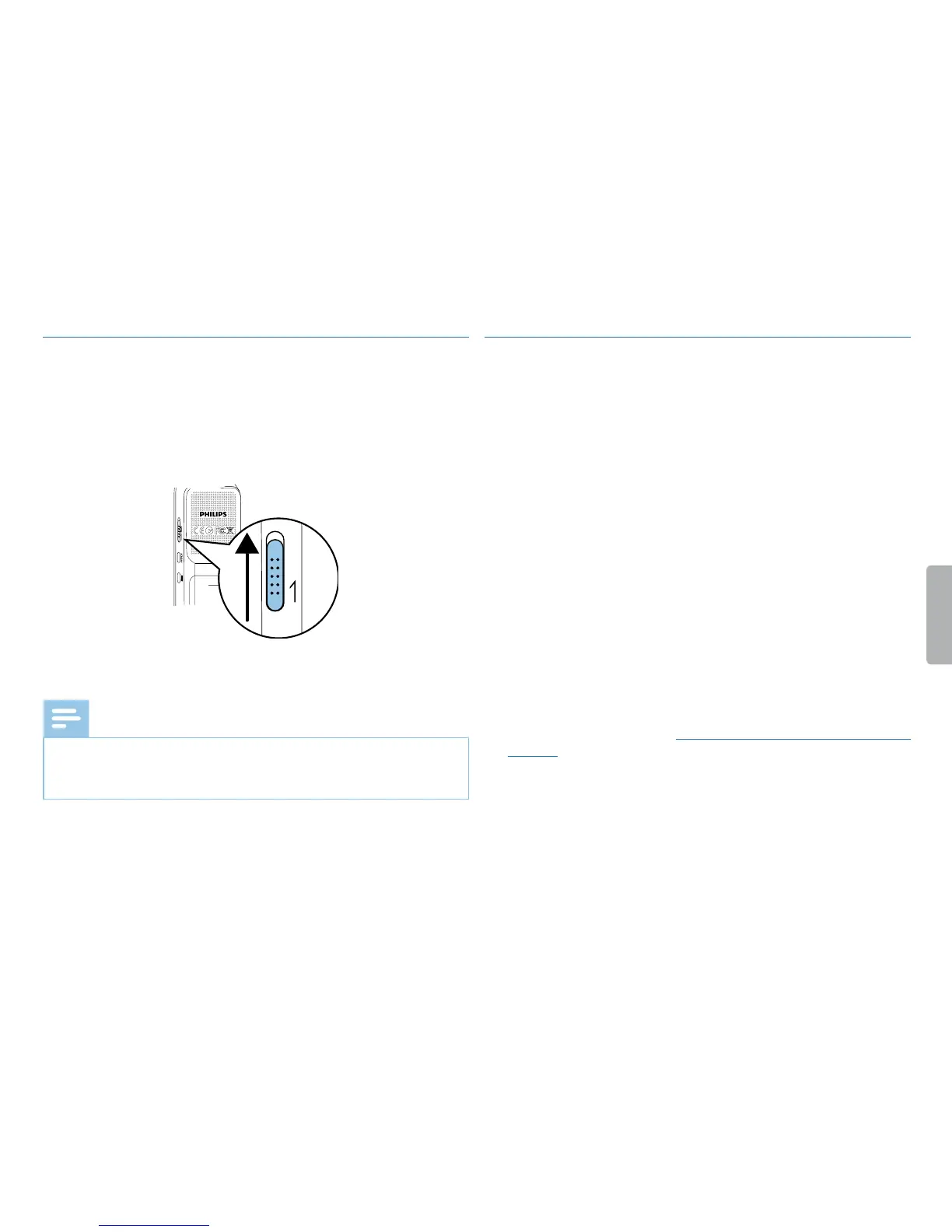
9.1.4 Enabling/disabling noise reduction
When you record in environments with lots of background (e.g. while
in a crowd or during a train or car journey), you can enable the noise
reduction function to reduce the background noise .
1
In stop mode, drag the switch on the side of the device upwards
into the position N.R.
N.R
2
Press the record key g to start recording.
X If this feature is on, the [ symbol is displayed.
Note
• Noise reduction is only possible with PCM recording quality €. If
you switch on noise reduction, the device automatically switches
to PCM recording quality €.
9.1.5 Setting the timer
You can use this function to start a recording at a specified date and
time. The device can record from the device's microphone or an
external microphone.
1
In stop mode (start-up screen), press MENU.
2
Press the h / b key to select the record settings menu Ó.
3
Press + / – to select the Timer function.
4
Press the record key, g, to confirm.
5
Press + / – to select the Set the begin function to set the alarm.
6
Press the record key, g, to confirm.
7
Press +/– to select the Set date function.
8
Press the record key, g, to confirm.
9
Set the date as described in (see also chapter 9.3.1 Set date & time,
page 36).
10
Press the record key, g, to confirm.
11
Press +/– to select the Set time function.
12
Press the record key, g, to confirm.



 To Next Page
 Loading...








