20
20
DISPLAY / RESET / FIND TAPE POSITION ENGLISH
1 During playback press H (rewind) or I
(forward)
SSeeaarrcchhiinngg ffoorr ttaappee ppoossiittiioonn wwiitthh ppiiccttuurree
((ppiiccttuurree sseeaarrcchh))
2 Interrupt the search wherever you like with
the Playback button G
TTIIPP
RReedduucceedd qquuaalliittyy
During picture search the picture quality is affected.
The sound is switched off.
DDiiffffeerreenntt sseeaarrcchh ssppeeeeddss
If you press H or I twice, the tape speed will
increase.Interrupt the search with the playback
button G.
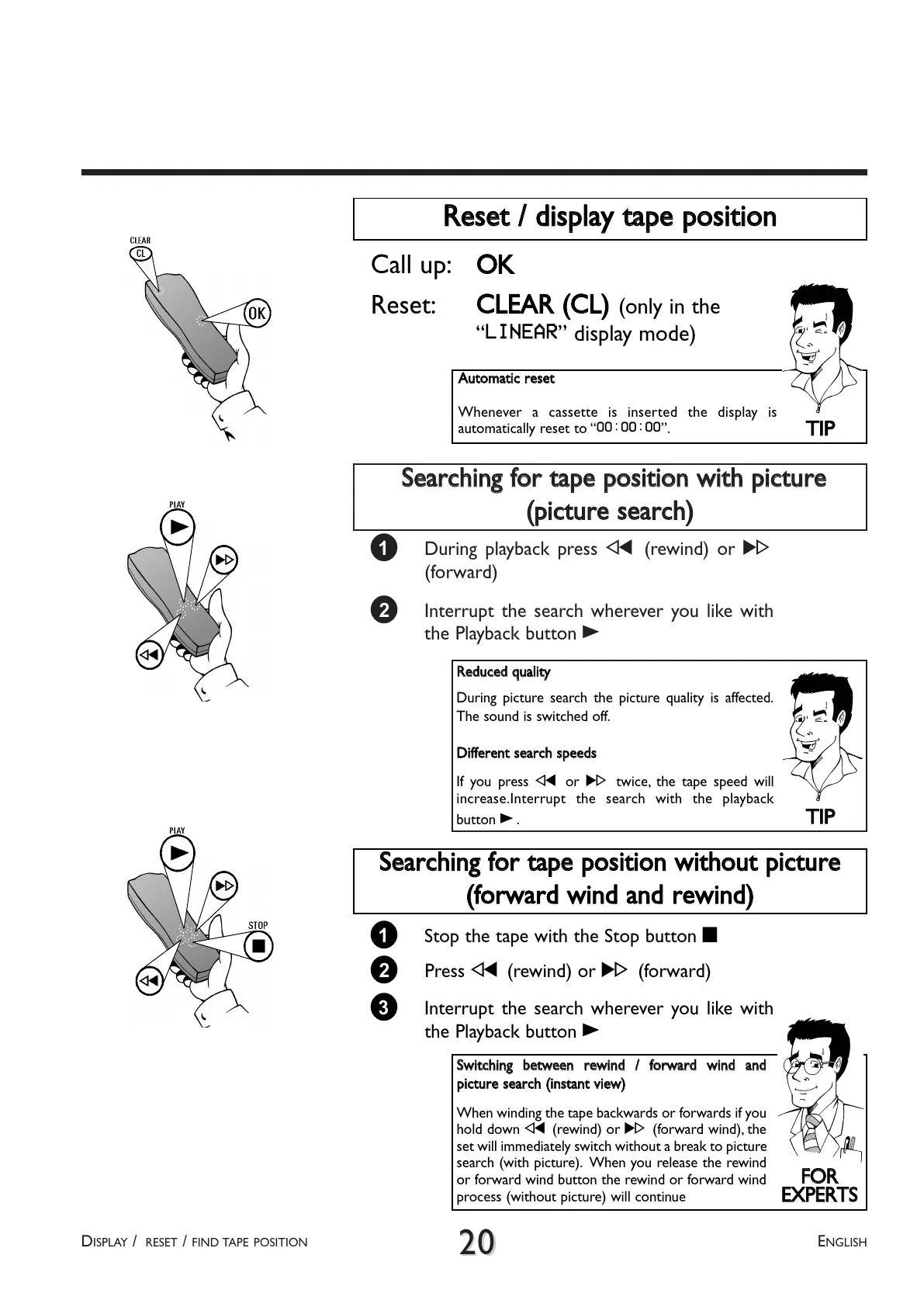
RReesseett // ddiissppllaayy ttaappee ppoossiittiioonn
Call up:
OOKK
Reset:
CCLLEEAARR ((CCLL))
(only in the
LINEAR display mode)
TTIIPP
AAuuttoommaattiicc rreesseett
Whenever a cassette is inserted the display is
automatically reset to 00:00:00.
1 Stop the tape with the Stop button h
SSeeaarrcchhiinngg ffoorr ttaappee ppoossiittiioonn wwiitthhoouutt ppiiccttuurree
((ffoorrwwaarrdd wwiinndd aanndd rreewwiinndd))
3 Interrupt the search wherever you like with
the Playback button G
2 Press H (rewind) or I (forward)
FFOORR
EEXXPPEERRTTSS
SSwwiittcchhiinngg bbeettwweeeenn rreewwiinndd // ffoorrwwaarrdd wwiinndd aanndd
ppiiccttuurree sseeaarrcchh ((iinnssttaanntt vviieeww))
When winding the tape backwards or forwards if you
hold down H (rewind) or I (forward wind), the
set will immediately switch without a break to picture
search (with picture). When you release the rewind
or forward wind button the rewind or forward wind
process (without picture) will continue



 To Next Page