13
Backup content
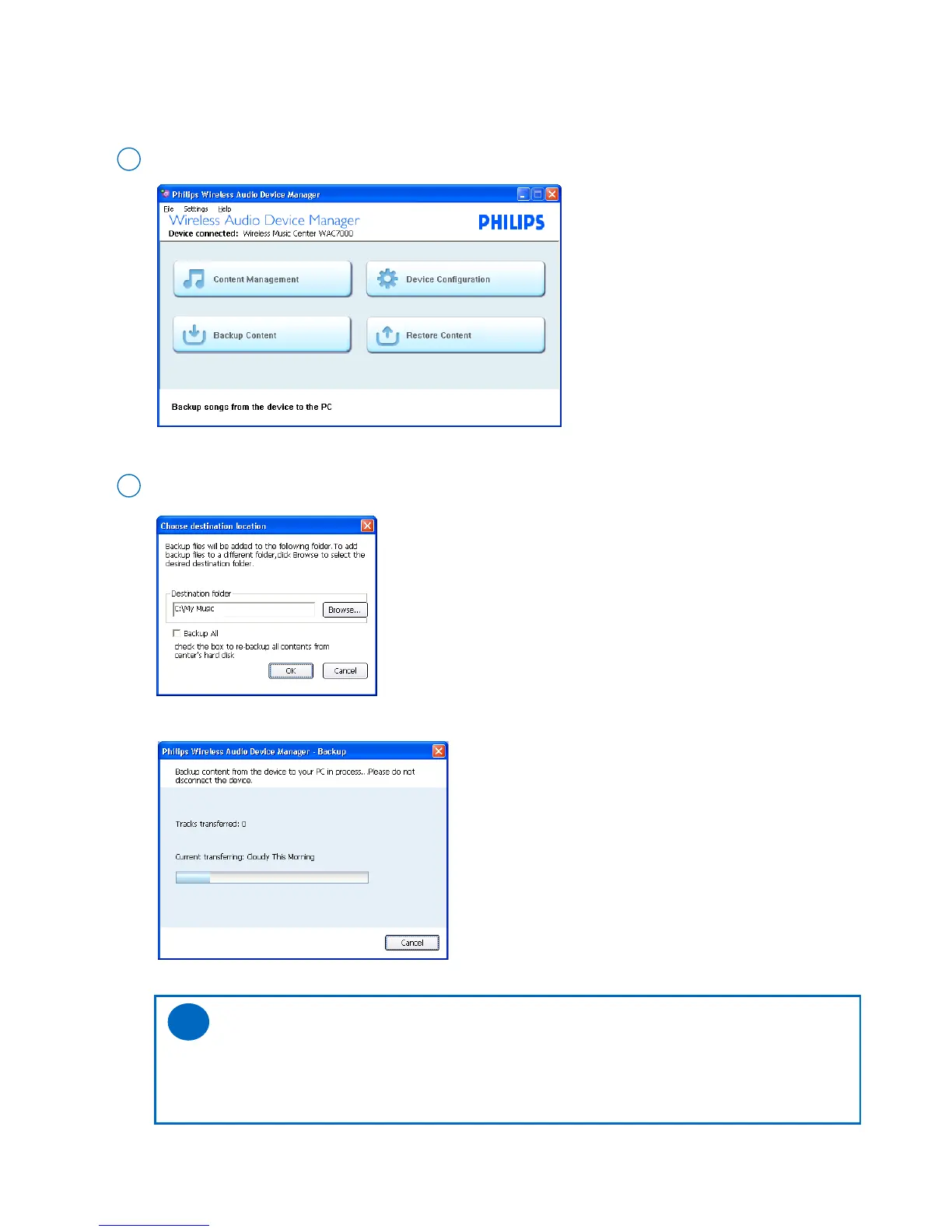
This feature allows you to make a copy of Philips Wireless Music Center’s music library on PC.
Click the Backup content button to start
1
As prompted, specify the location where you wish to store the backup files on your PC
2
➜ Backup starts
➜ The IE browser is launched
➜ Backup files are saved to the specified location and named after current date
Tips:
– If you did backup previously, only the newly added music will be saved to PC.
– Do not delete the backup file by using Windows explorer. If you want to delete the previ-
ously backed up file, please use WADM to manage.
✔



 To Next Page