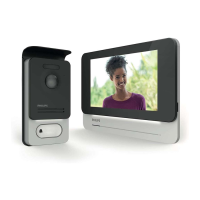
WelcomeEye / Link / V1
F14
Note that you need to press only once to activate or turn o the microphone, the loudspeaker
and the opening control.
Microphone is on, communication with the visitor is open.
Microphone is o, your visitor cannot hear you.
Visitor audio is open.
Visitor audio is closed.
Automatic gate control.
To end the call, close the app or simply go back for Android phones. Double-click the image
for IOS.
If the battery needs to be recharged, remove the front of the panel to access it. Charge for
at least 5 hours using the USB cable provided.
8. ADVANCED SETTINGS
1 -
Use to access the main menu and:
(when it displays a number, this means that you had visitors while away from home,
or motion detections, if the mode is activated)
- Your account
- connects you to
- Your alert log The red number indicates the amount. Note:
accessing videos is explained in the chapter “Detections,
Alerts, Recorded Videos, Silent Mode”.
- Your device groups, services and scenarios
- Support (FAQ, contact us, suggestions, information)
- Your settings (detail below)
The application's advanced settings give you access to:



 To Next Page
 Loading...