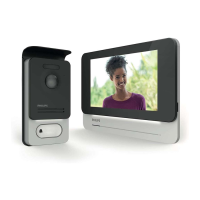
WelcomeEye / Link / V1
F24
9. COMPATIBLE PRODUCTS
1 - PHILIPS WelcomeBell chimes
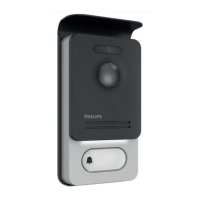
The intercom panel transmits a standard 433MHz signal, compatible with PHILIPS
WelcomeBell chimes.
Press the “ ” button on the doorbell for 10 seconds until it ashes 3 times, and initiate a
call from the intercom panel to save the panel signal to the doorbell. Wait for 2 ashes to
conrm programming exit.
10s.
10s.
3 Flas
Flash
‘CLICK’
2 - The application is compatible with PHILIPS HUE light bulbs.
Pairing Philips WelcomeHome to PHILIPS HUE.
Begin by making sure that your light bulb is connected to the Philips Hue app and that it is
working properly.
Before pairing, make sure that “Contrôlez hors de la maison” (Control outside the home) is
enabled on the Philips Hue app.
If not, follow the instructions in the Philips Hue app to create an account, allowing you to
control your light bulbs from outside the home.
Return to the Philips WelcomeHome app.



 To Next Page
 Loading...